Fifty-three short videos.
Most run under a minute. Start with the tour, then take whatever you need — every video has a transcript, and the ones that explain a feature sit on the help page for it.
Transcript
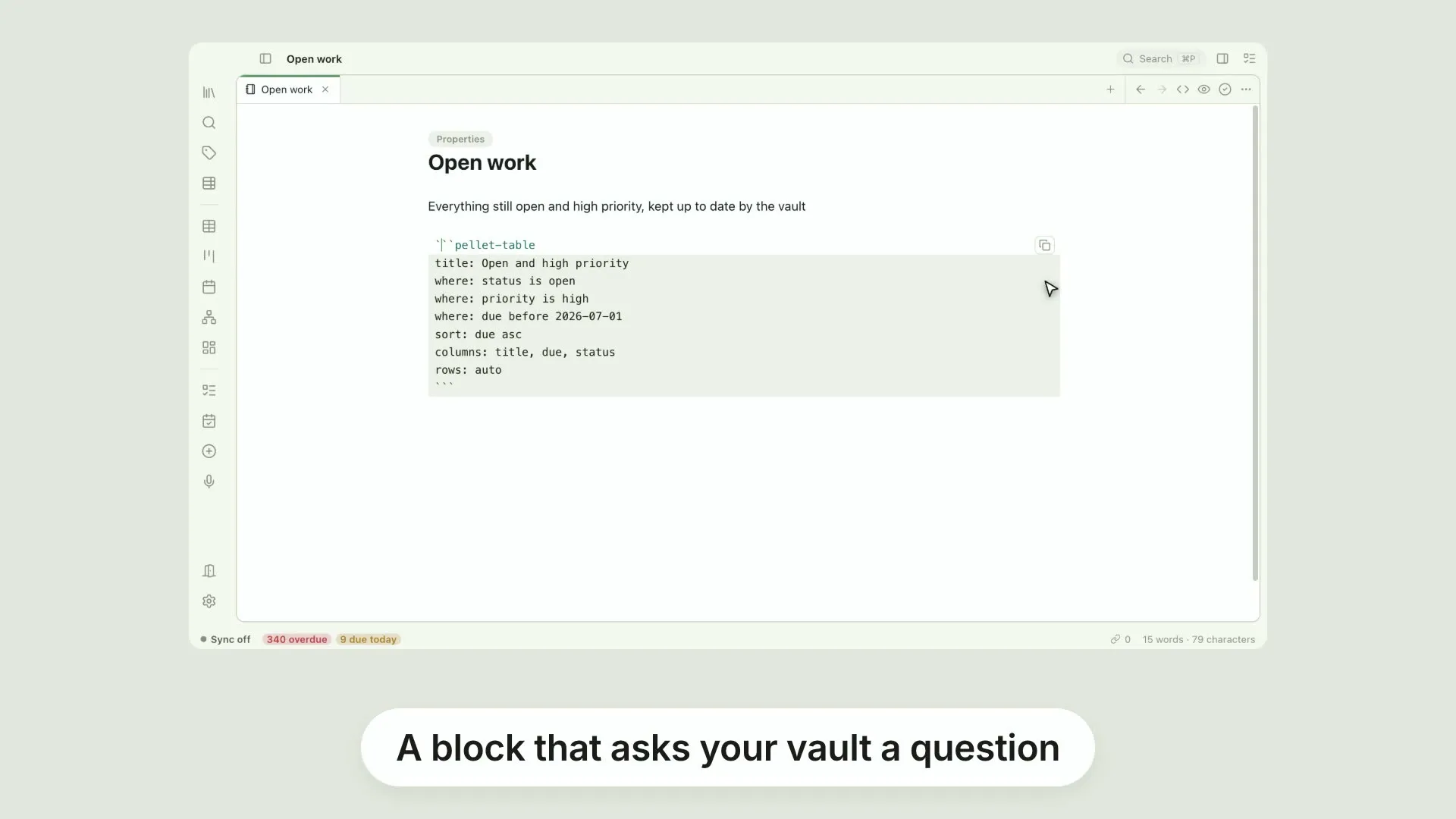
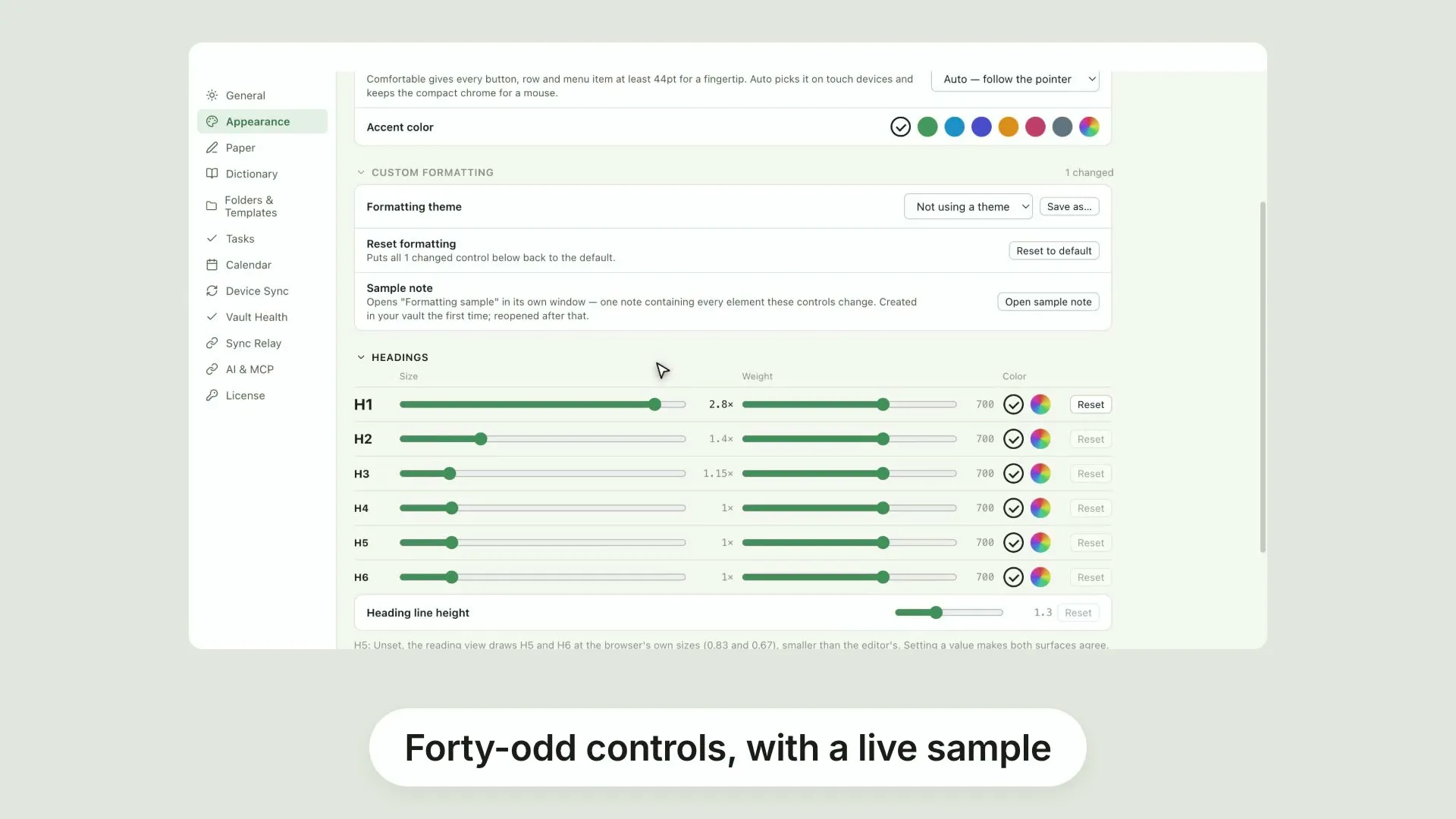
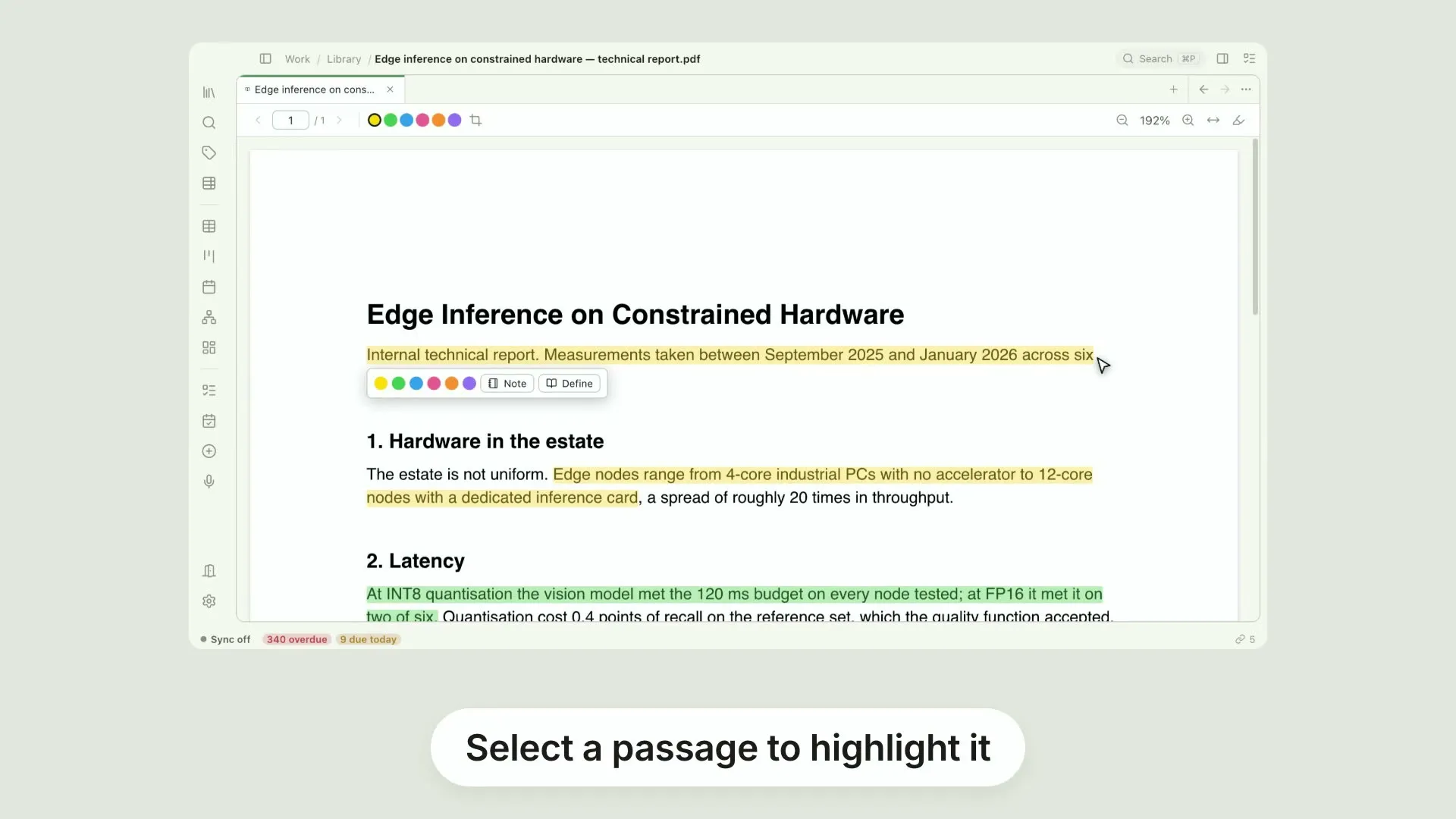
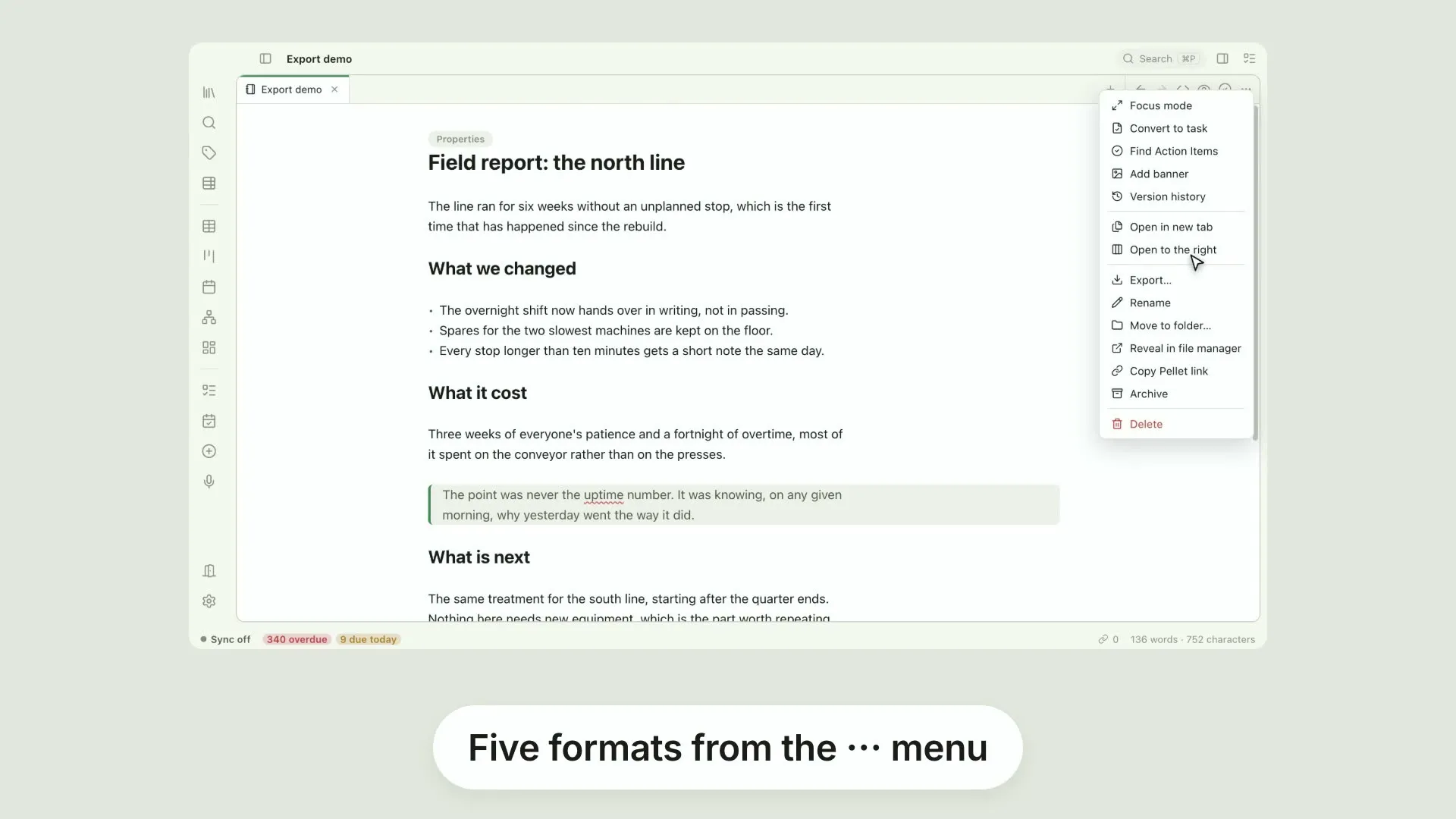
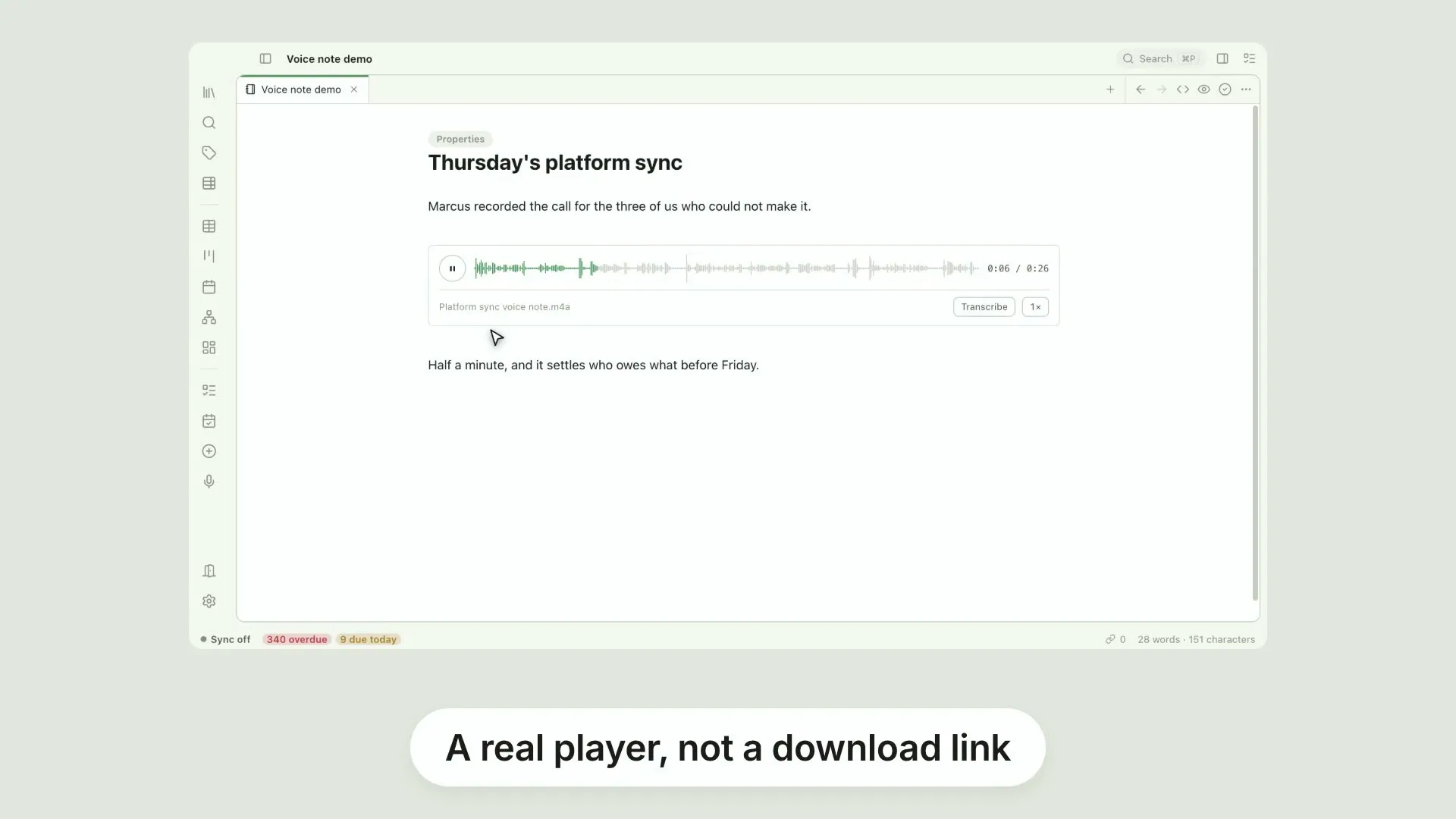
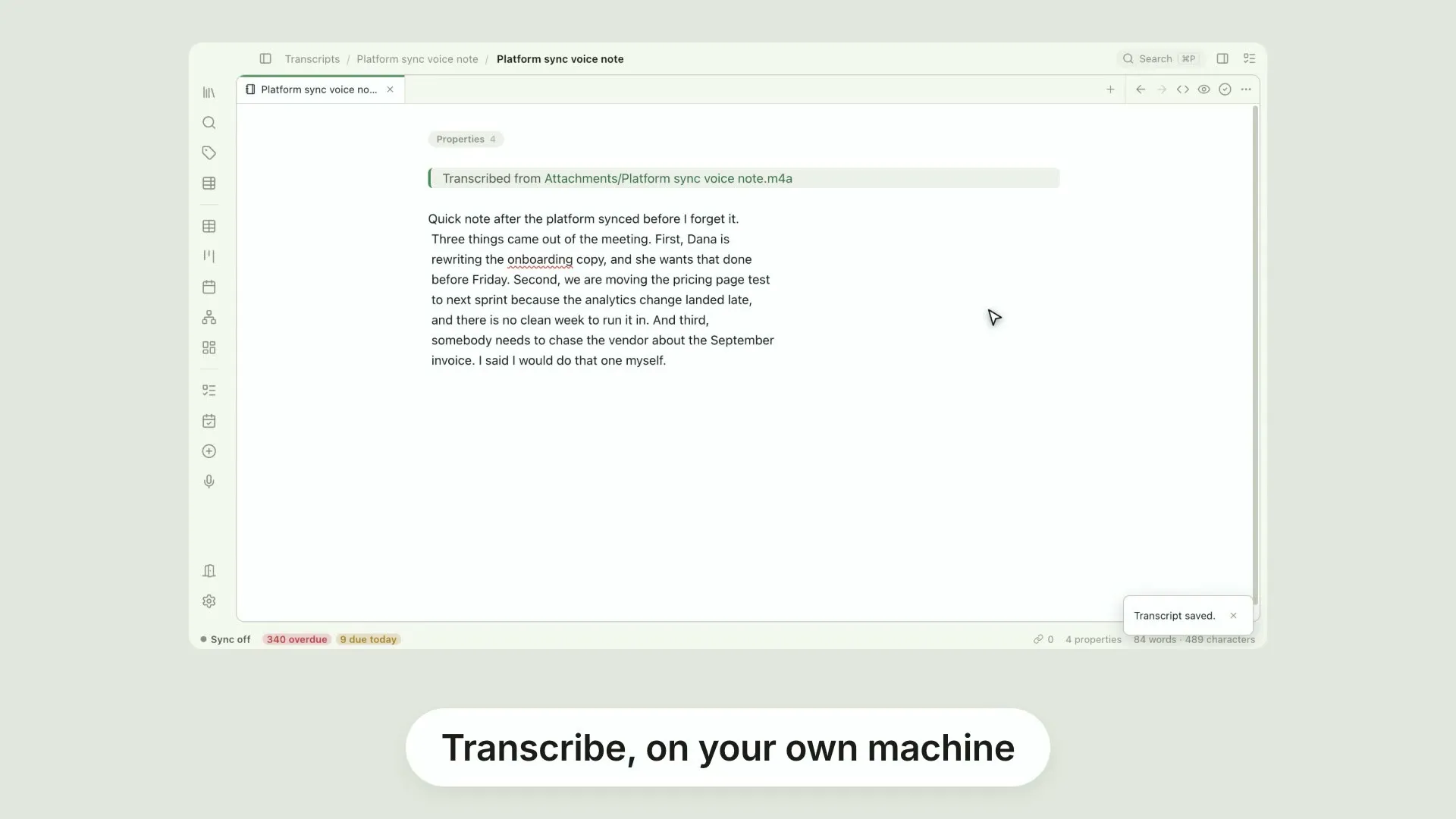
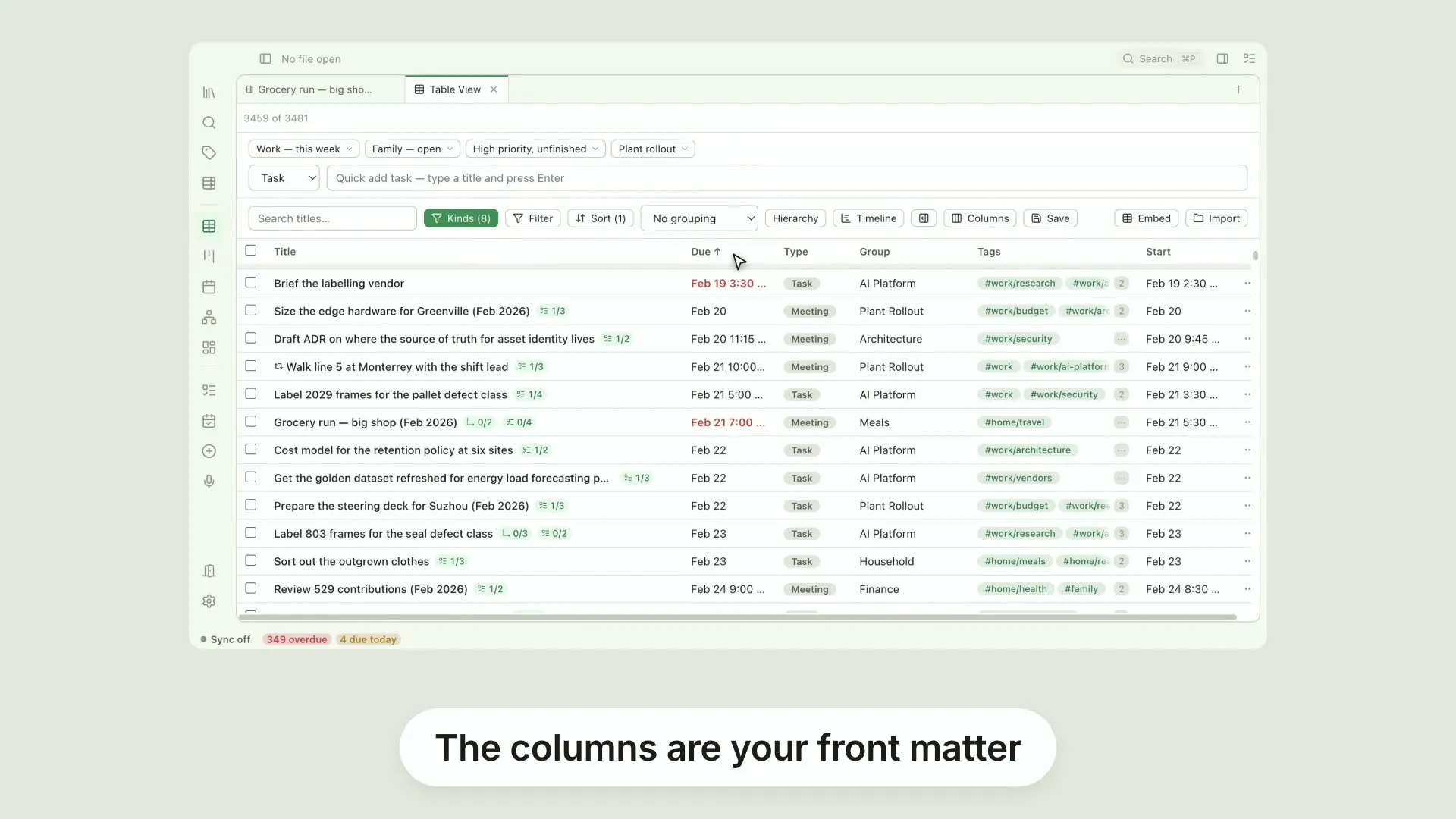
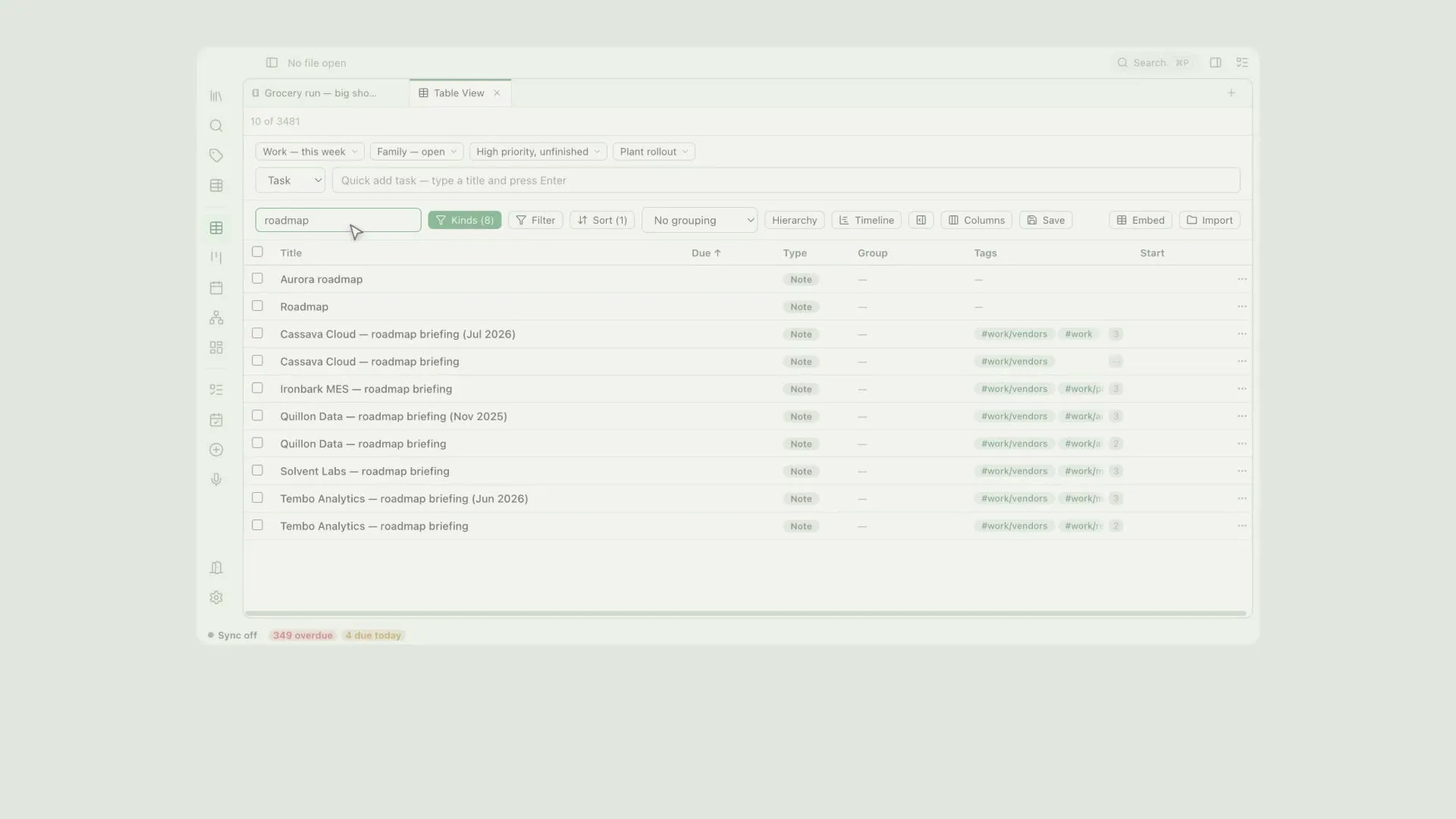
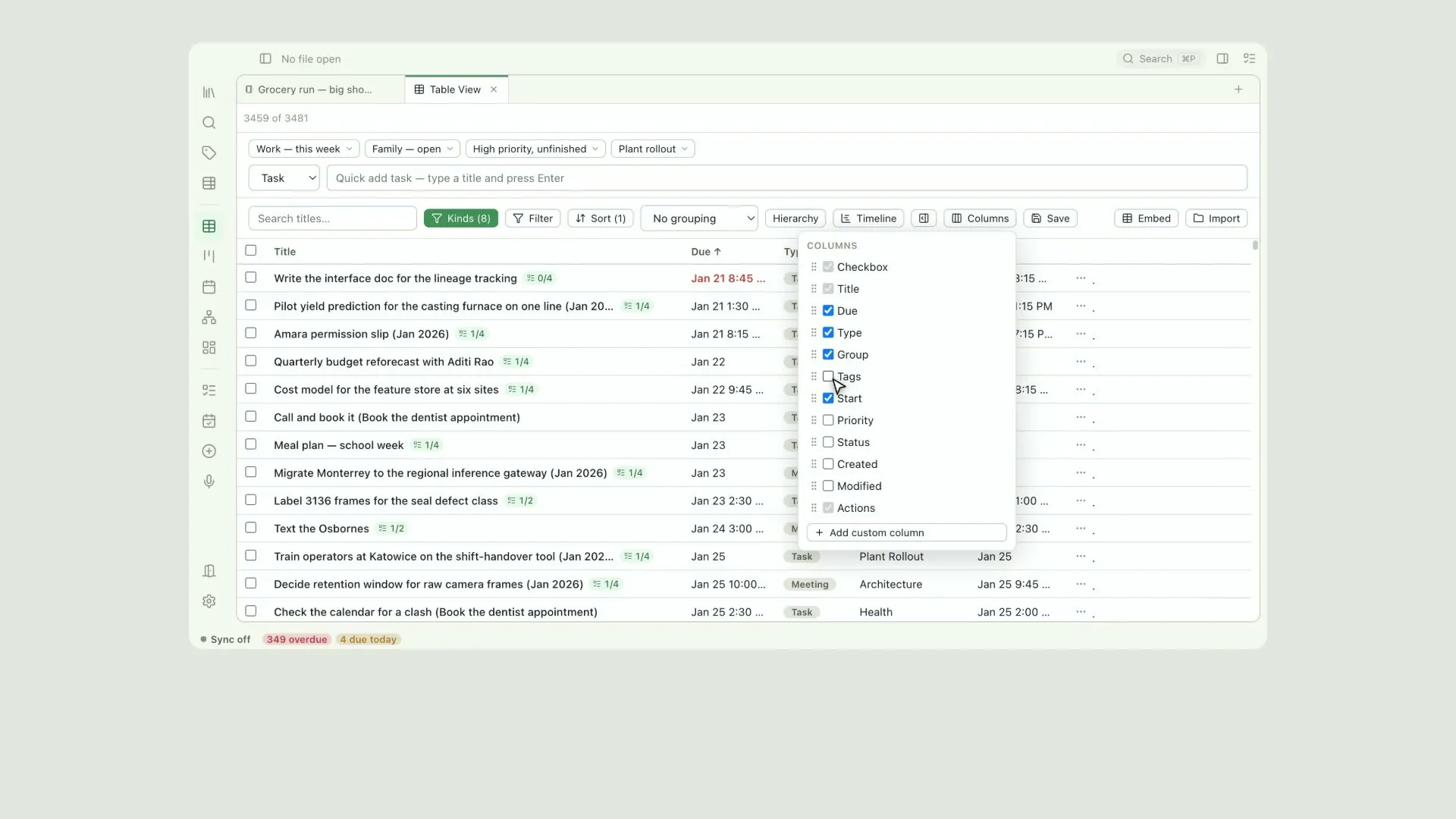
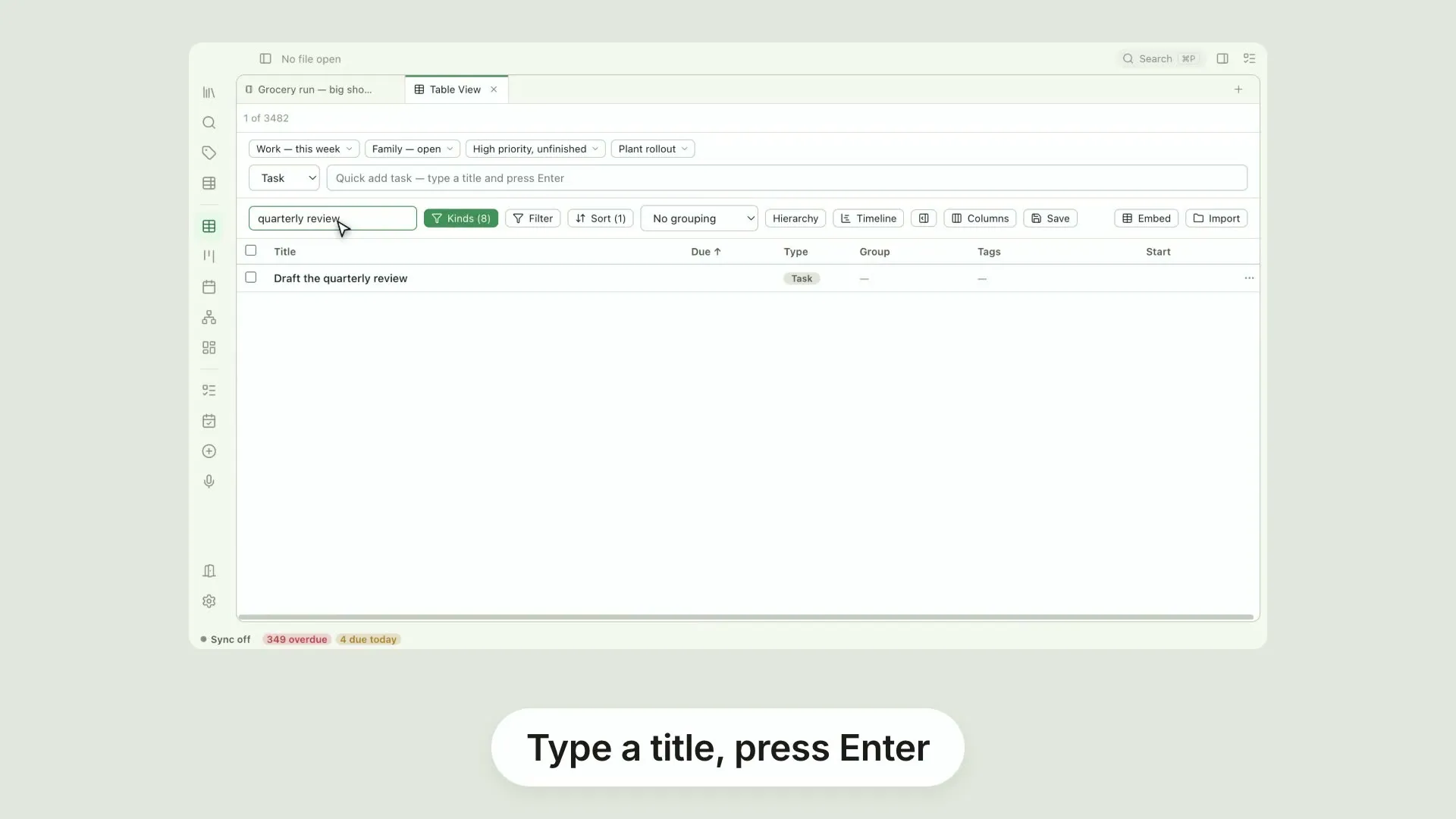
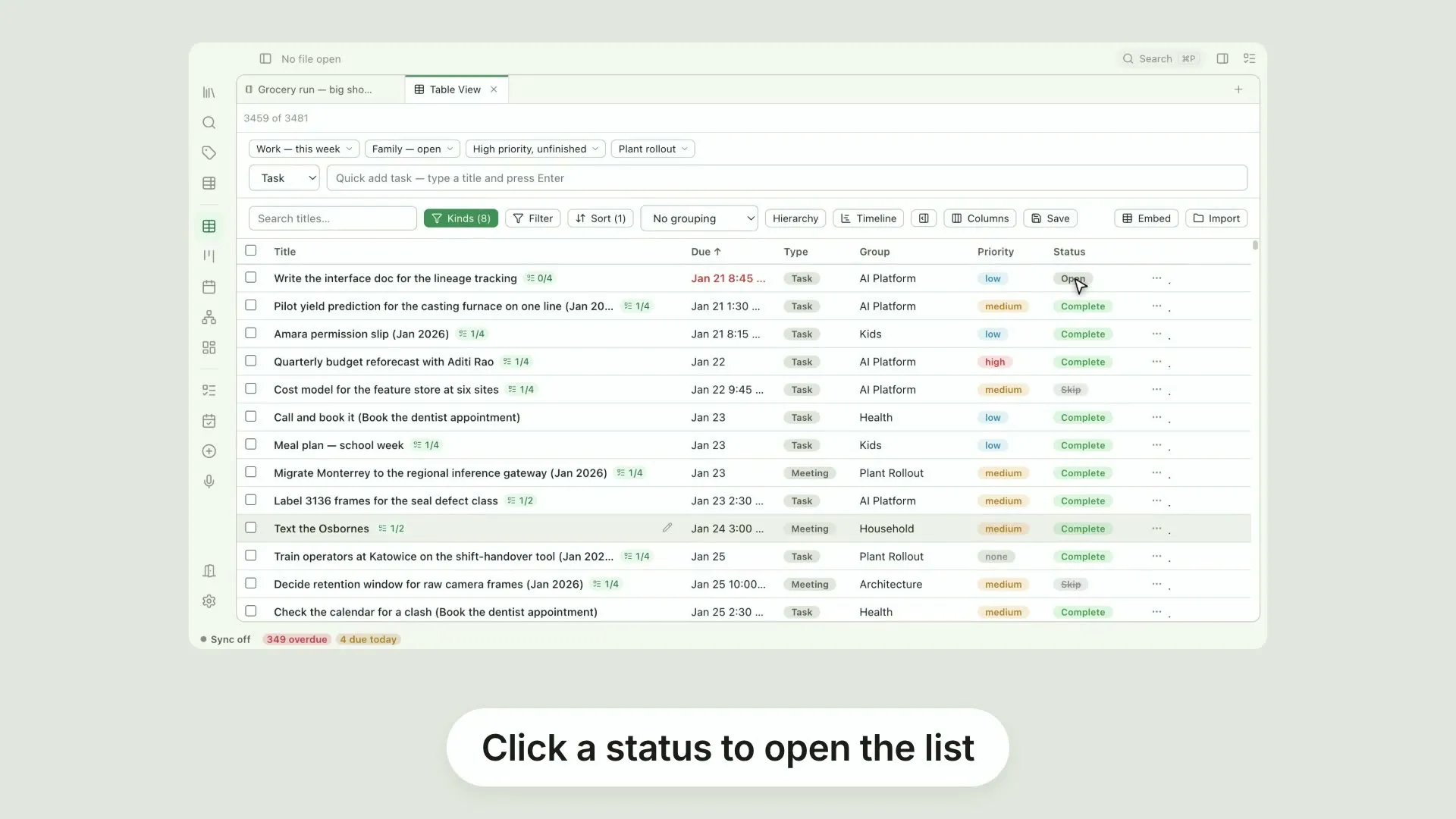
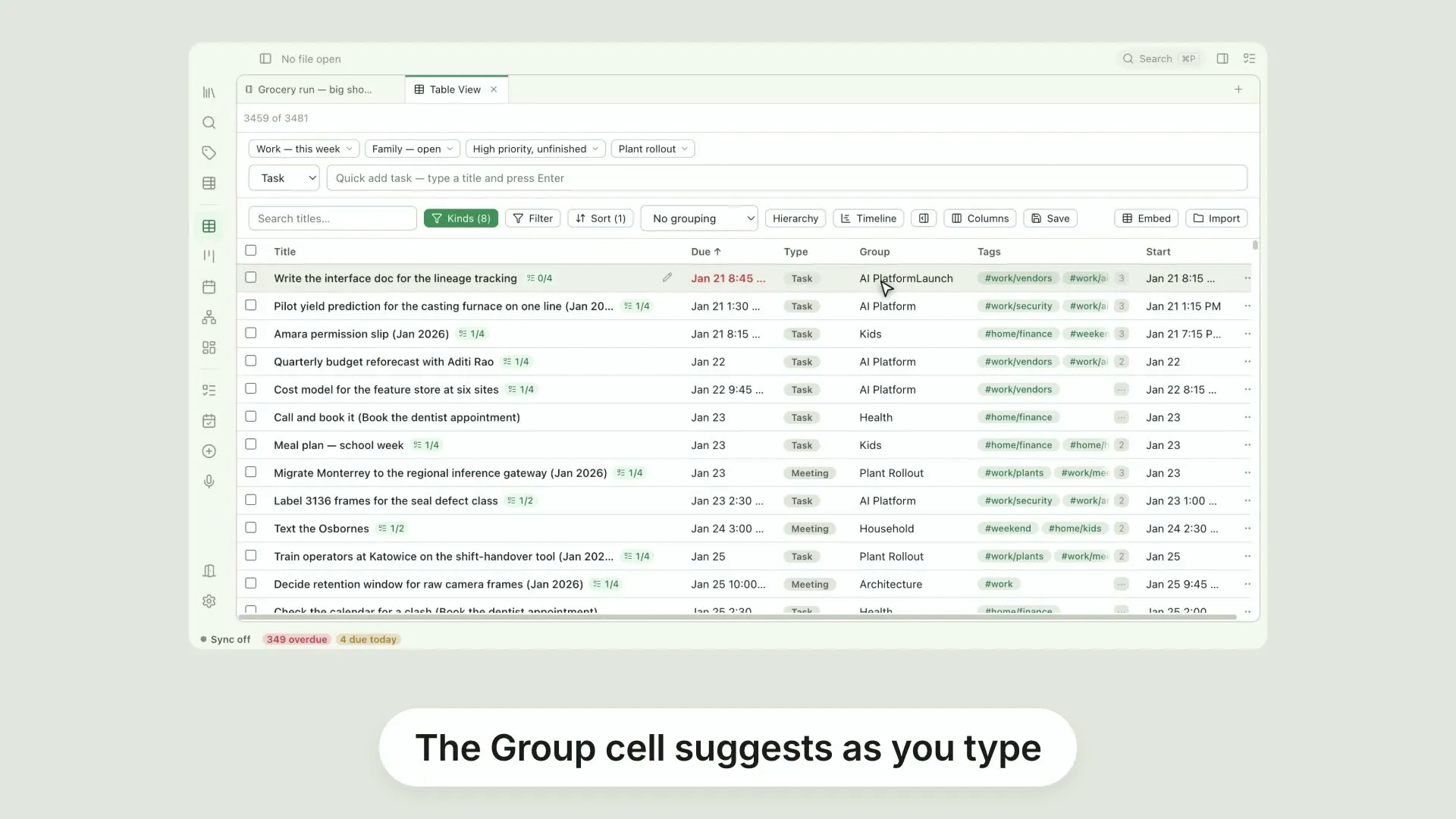
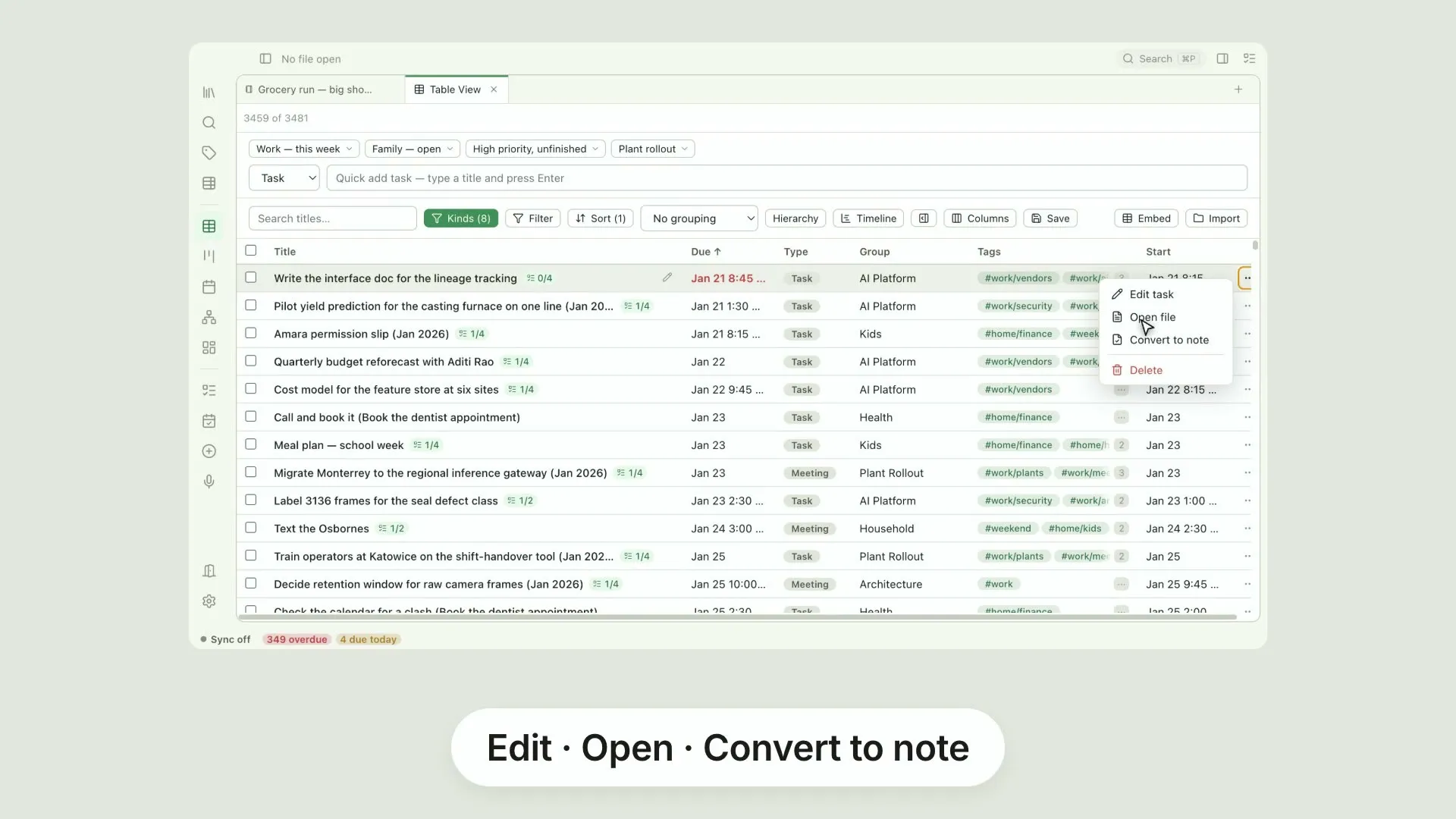
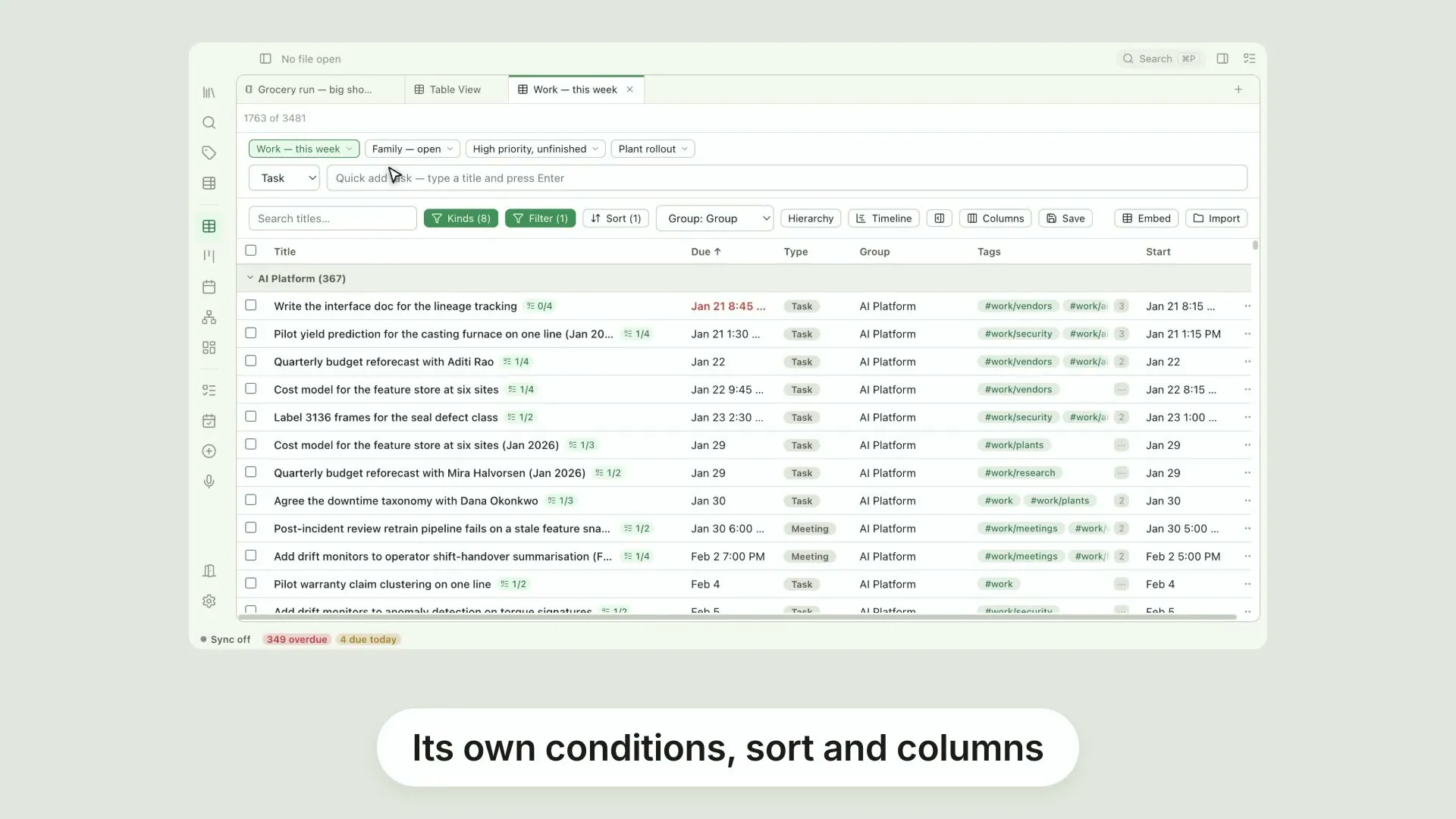
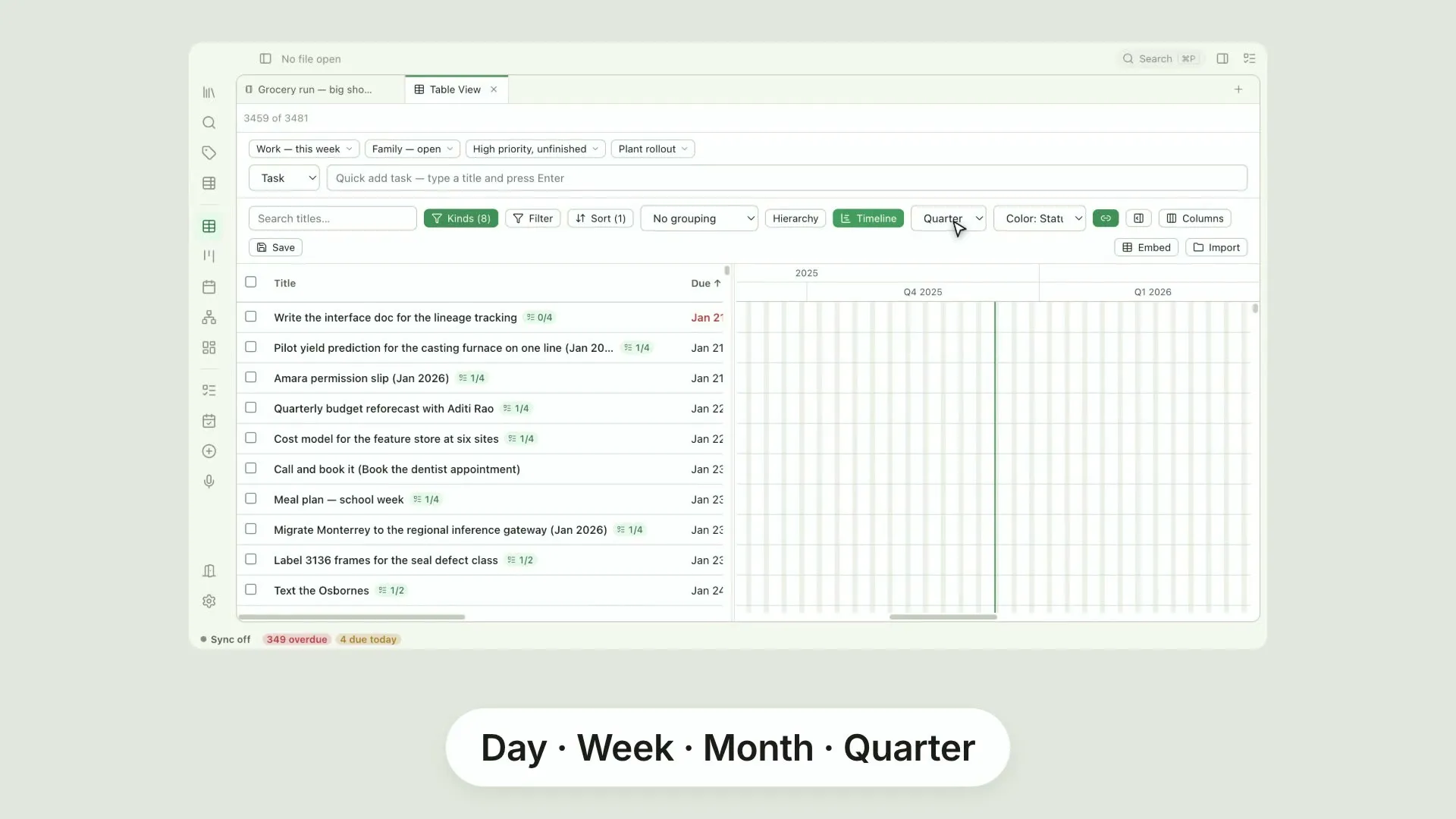
Pellet is not just a note-taking app. It is where all of your data ends up. Notes, yes. But also your tasks, your calendar events and meeting notes, the highlights you create in a PDF or ePub, handwritten notes in Paper, the whiteboards and canvases you brainstorm on. Here that is three thousand four hundred files, and every one of them is a plain file in a folder you own. Capture everything with ease. Type notes. And when a task turns up while you are in the middle of something else, add it in the Tasks panel, right there beside what you were writing. No switching views, no losing your place. Search the table and there it is, an ordinary row with everything else. The structure sits in the files themselves. Links between them, tags, and properties written into the front matter, so the organisation outlives the app that made it. And because it is data, you can look at it any way you like. The same files in a table you can sort, filter and edit in place. In a board, when the work has stages. In a calendar, when it has dates. Or in a graph. Narrow it to one note, and you see exactly what it links to, and what links back. Some of it was never text to begin with. Canvases and whiteboards sit in the same vault, beside the notes they belong to. When it is time to show someone, export a note, or a whole folder read as one document, to markdown, rich text or PDF. And make it look the way you want. Headings, body, tables and callouts, changed against a live sample and saved as a theme you can reuse whenever you like. And there's so much more. AI features that run on-device, for transcription of handwriting and audio, text in images, and related notes. Sync between your own devices, end to end encrypted. And free apps for iPhone and Android. It runs where you do. On your desktop, your tablet and your phone. On a Mac, on Windows, on Linux, on iOS and on Android.
The editor 30 videos
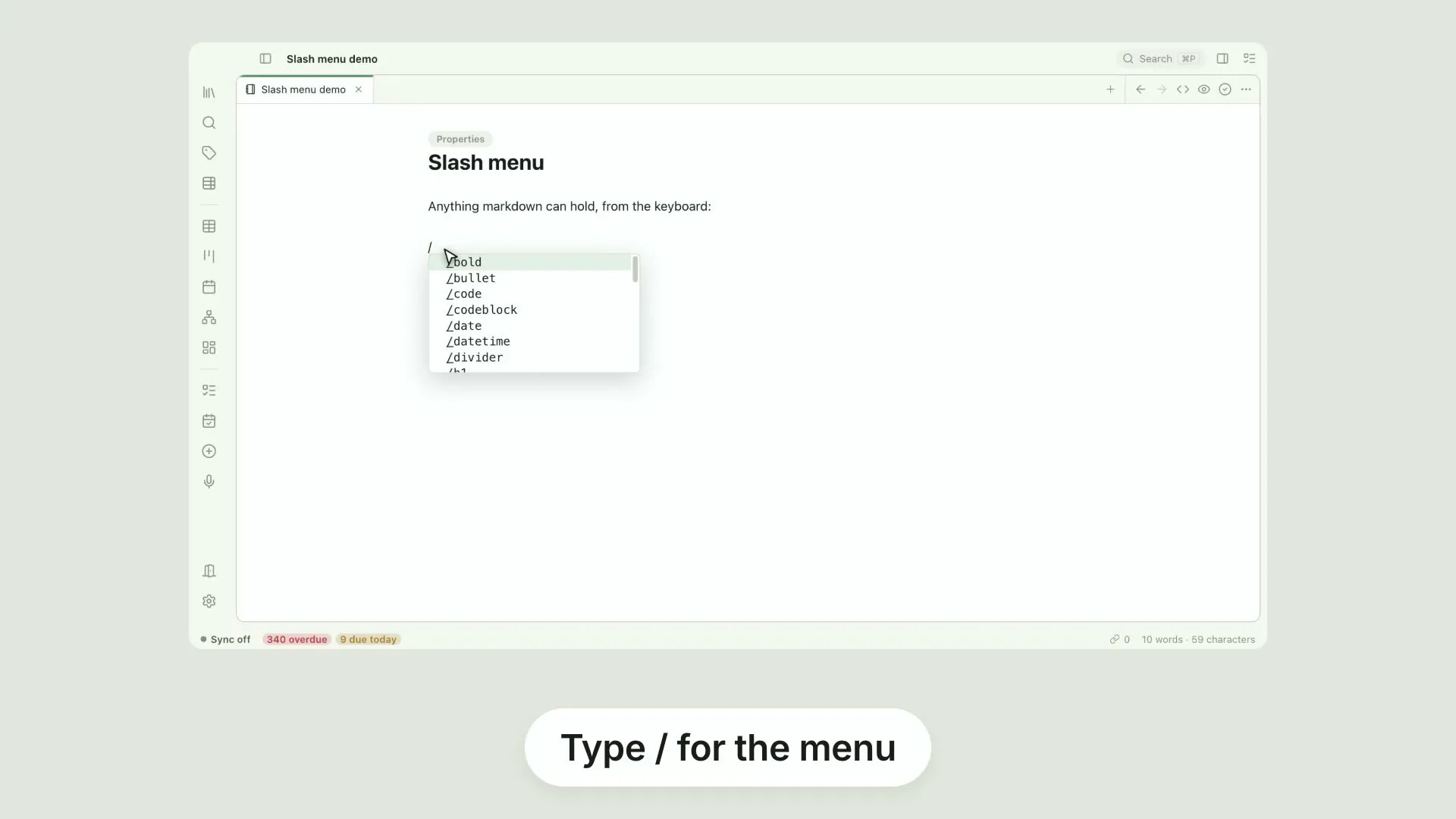
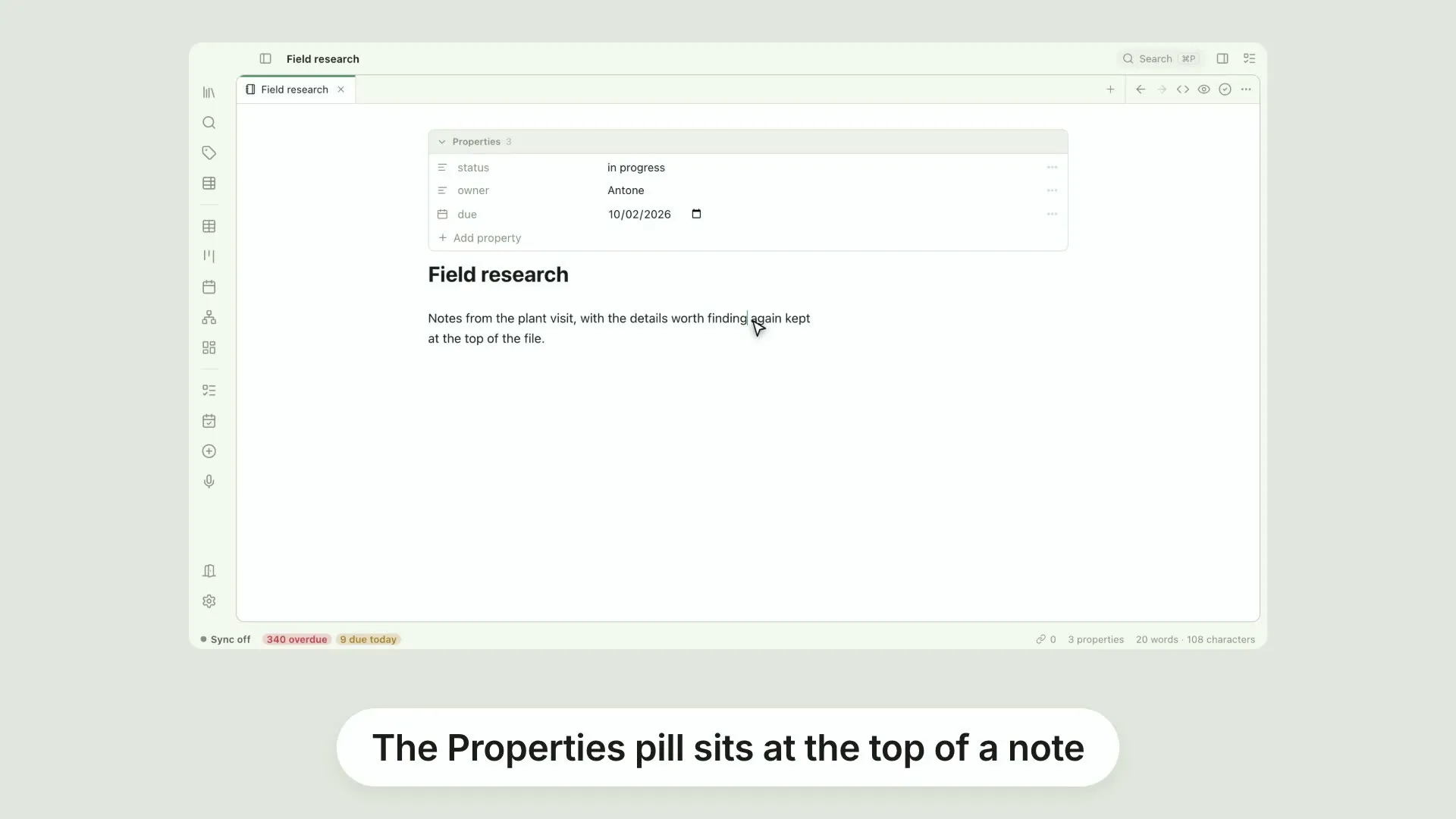
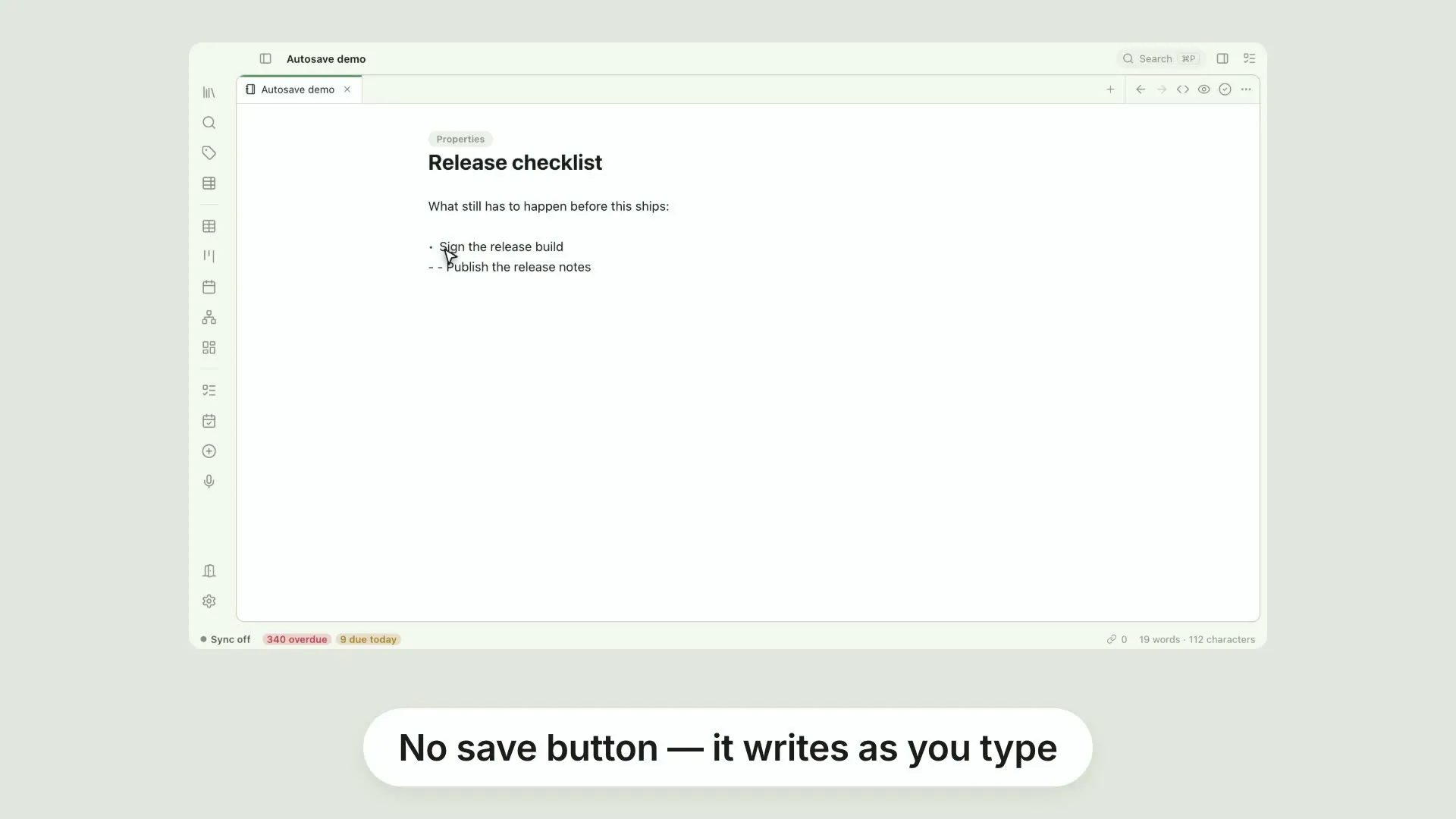
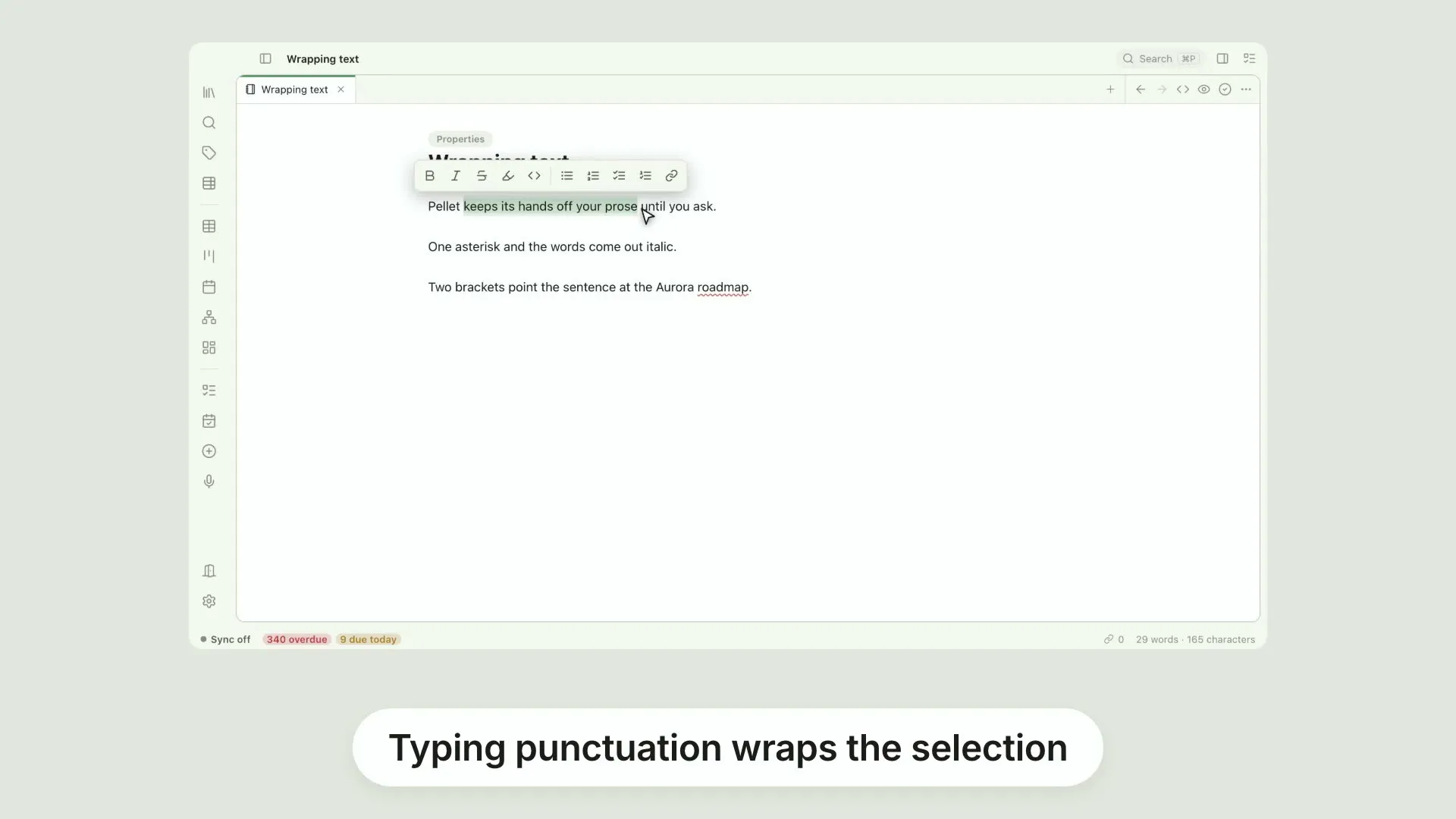
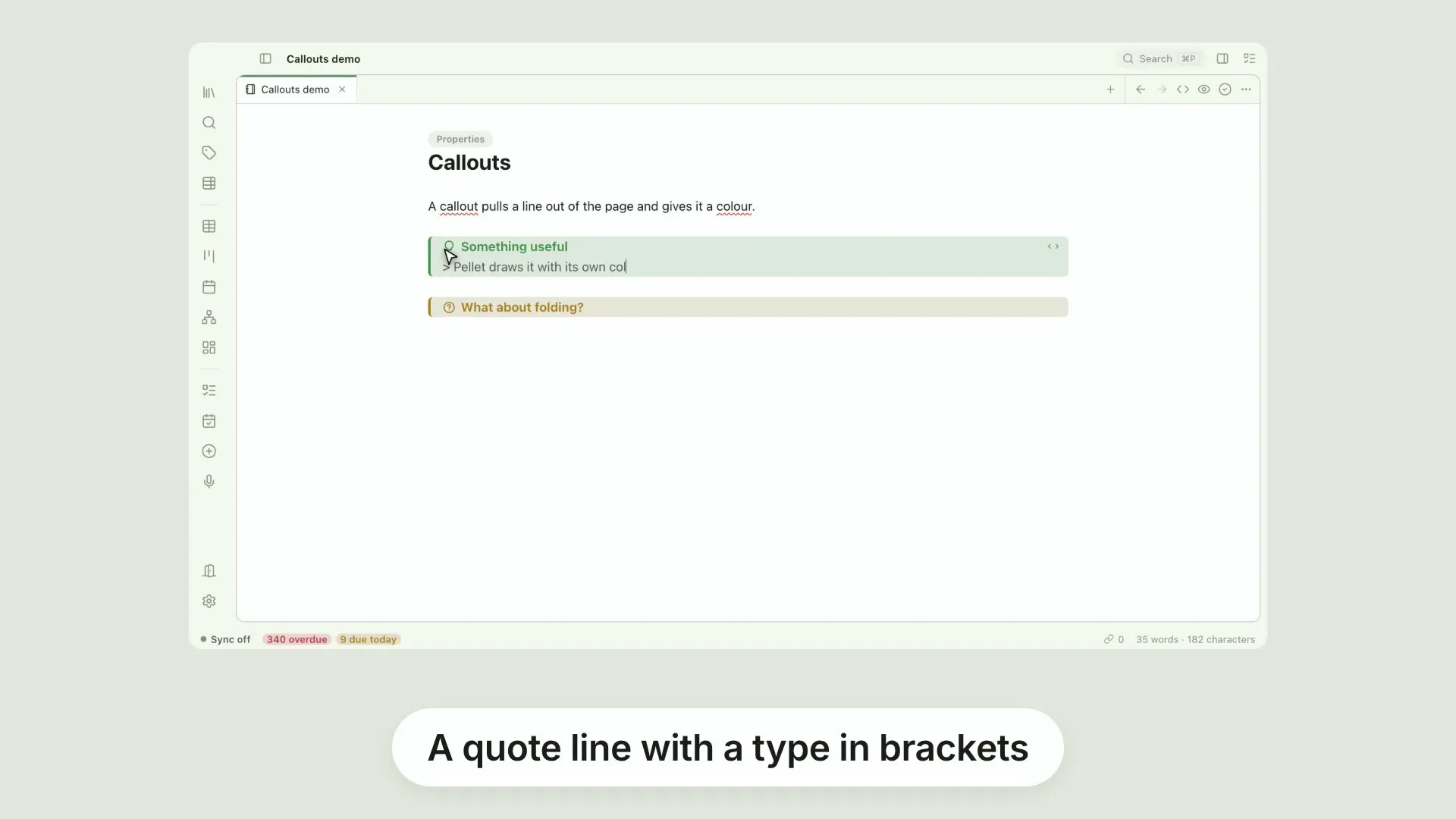
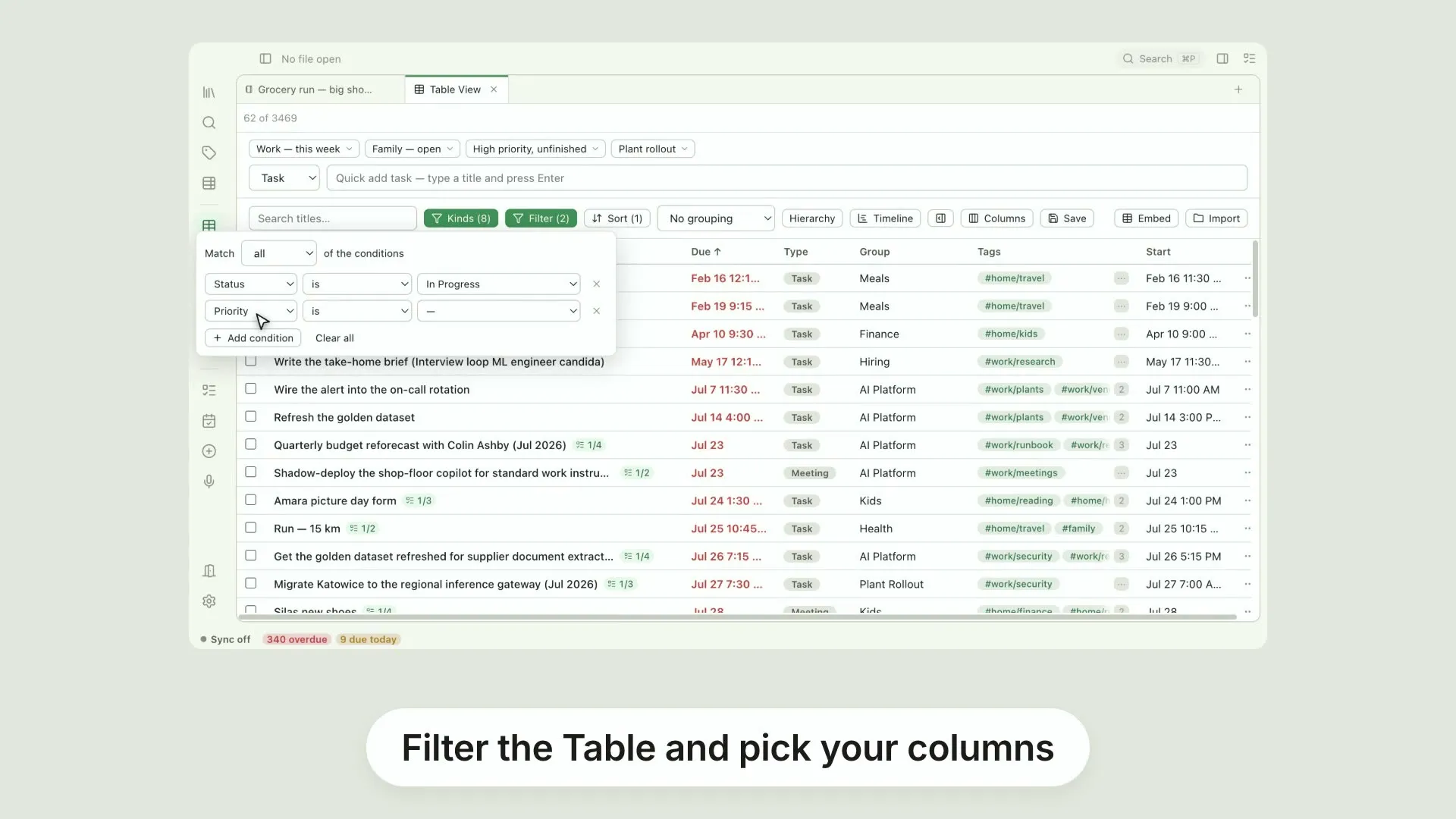
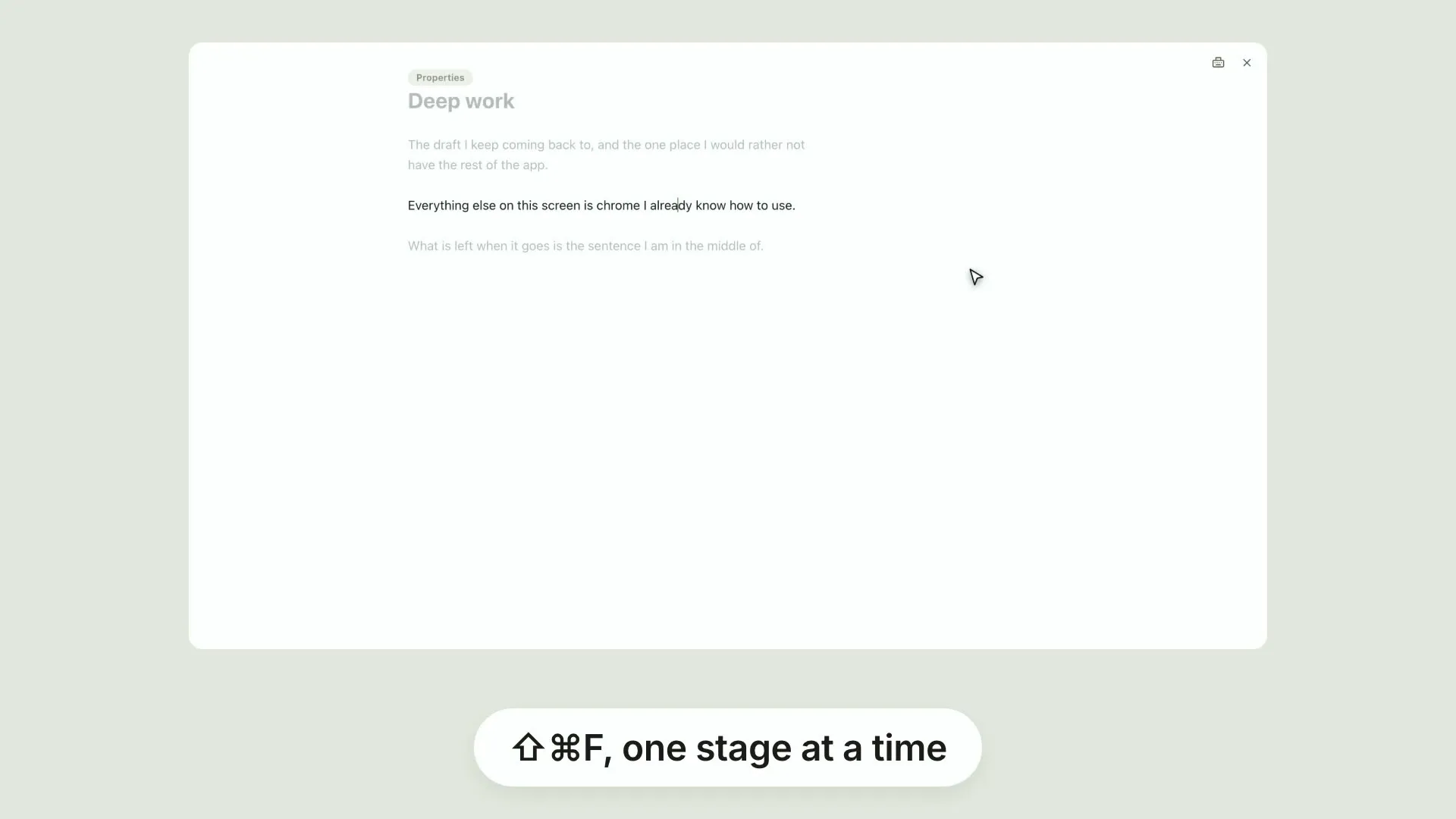
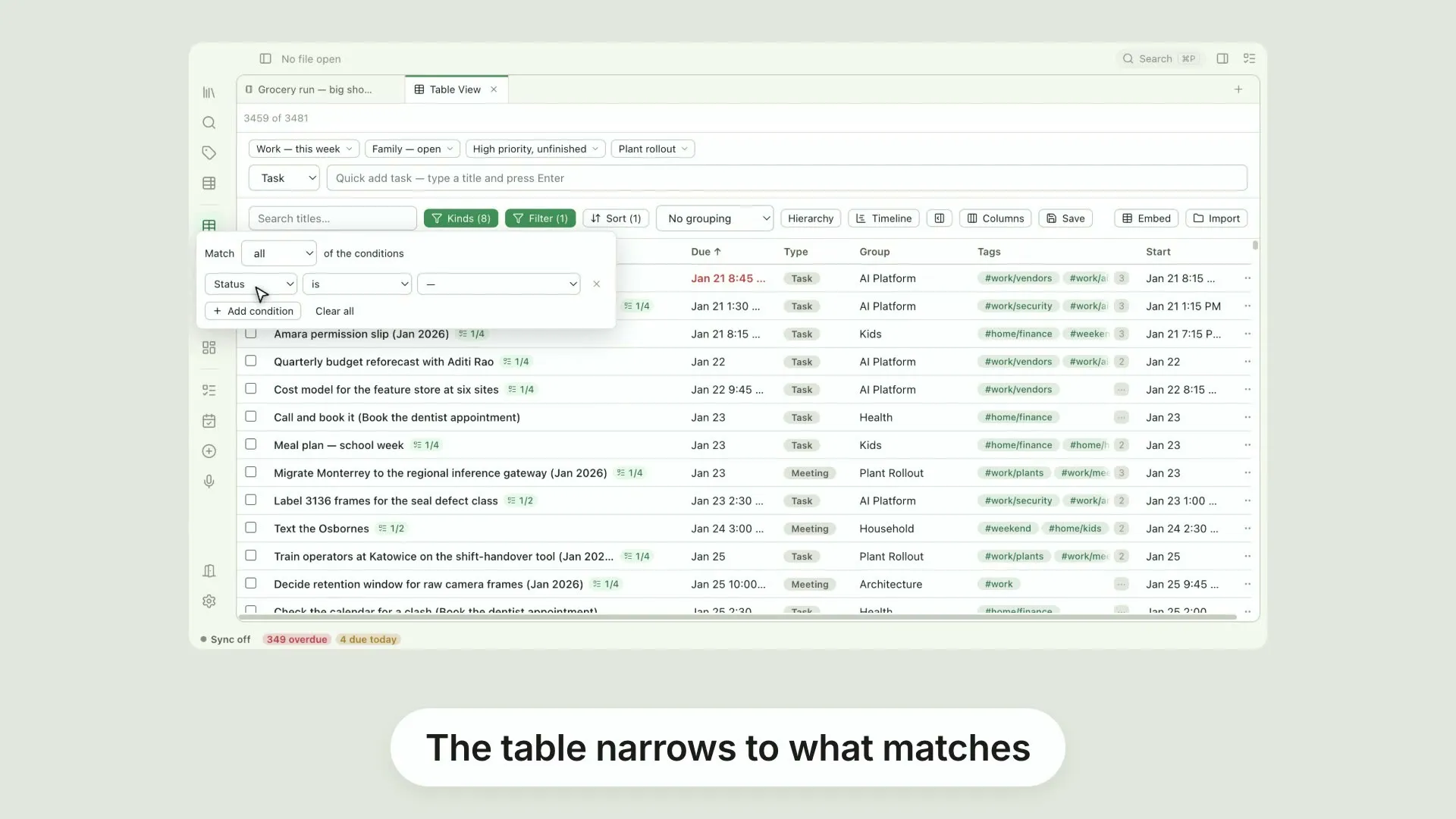
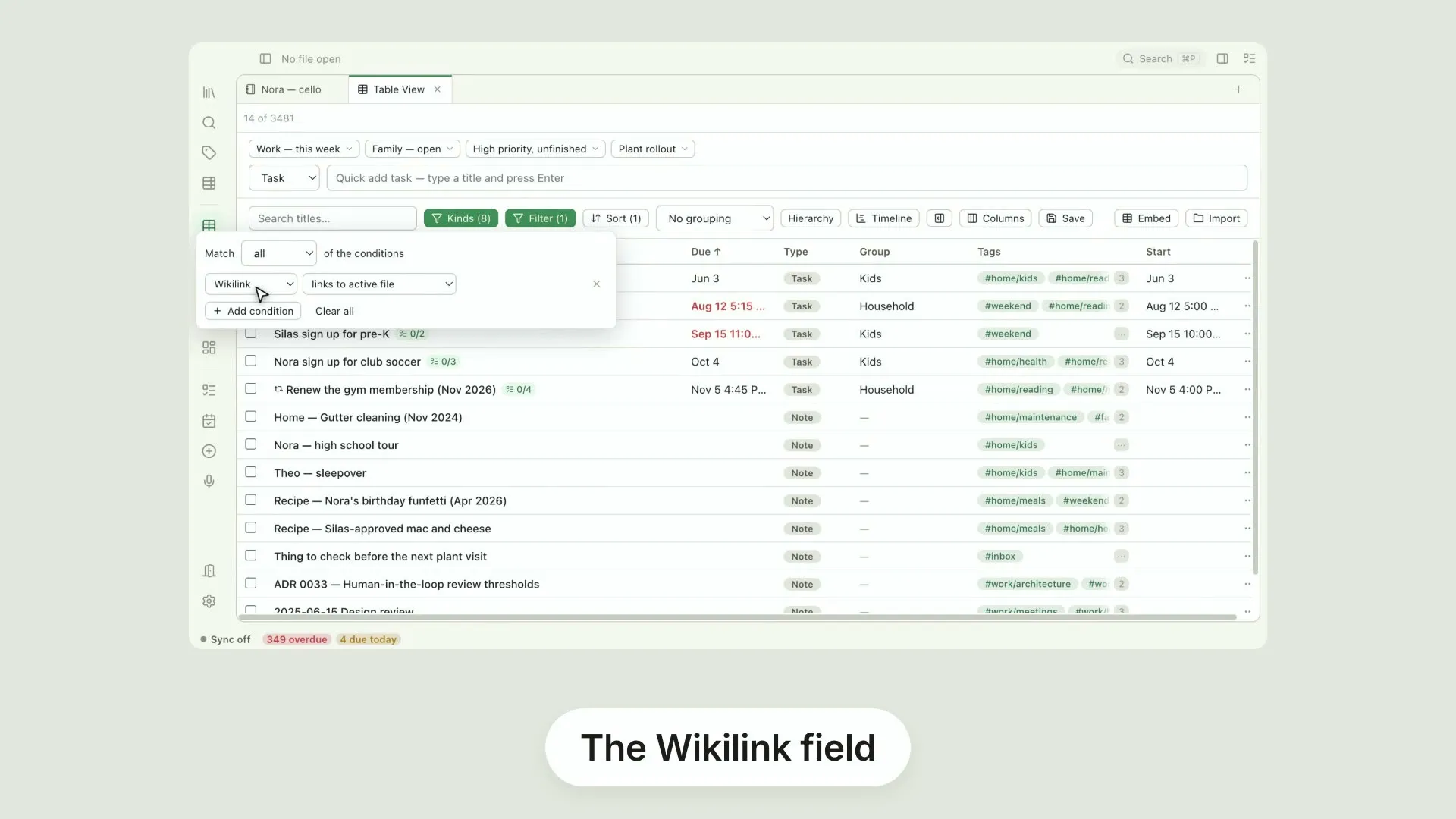
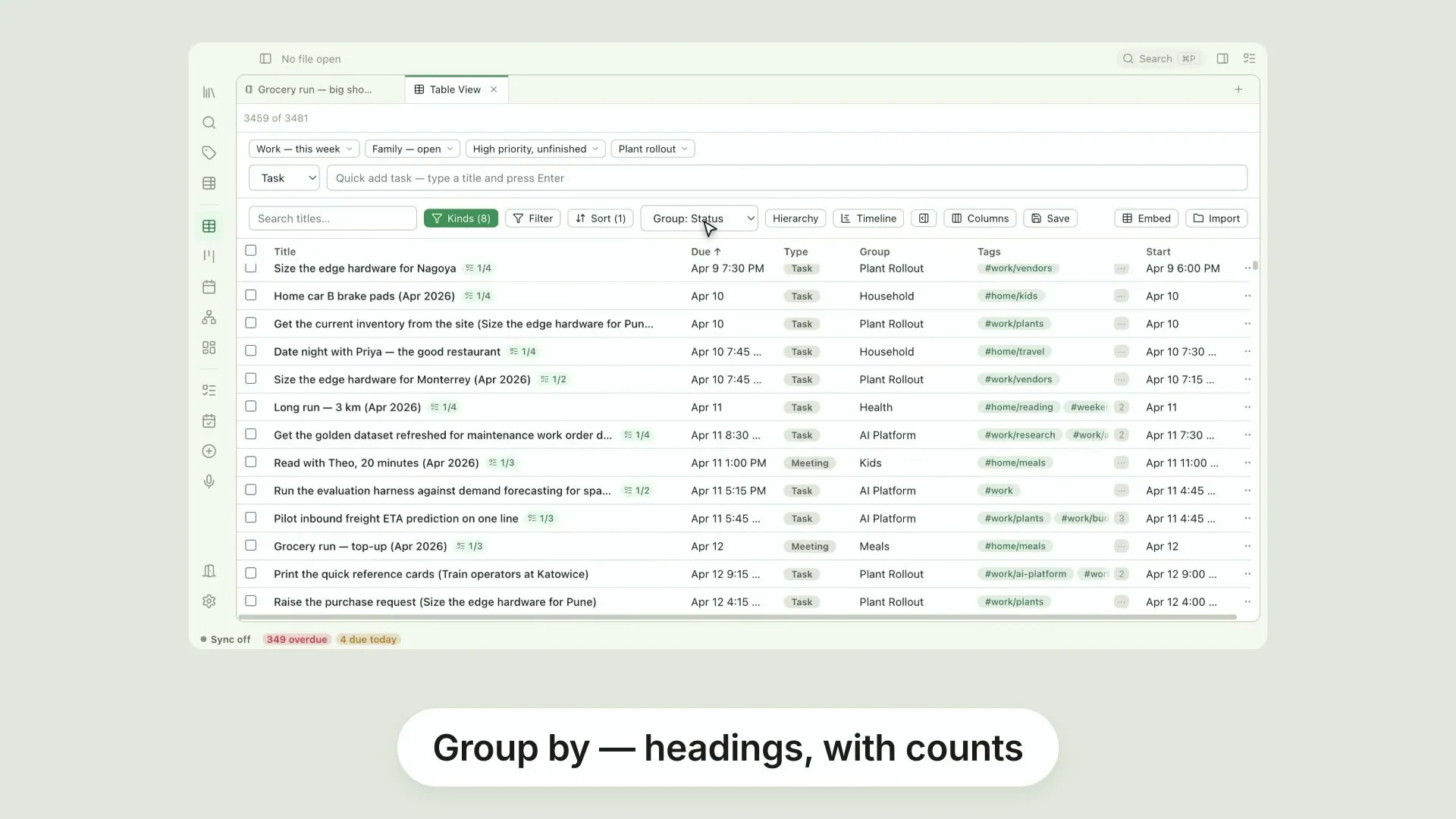
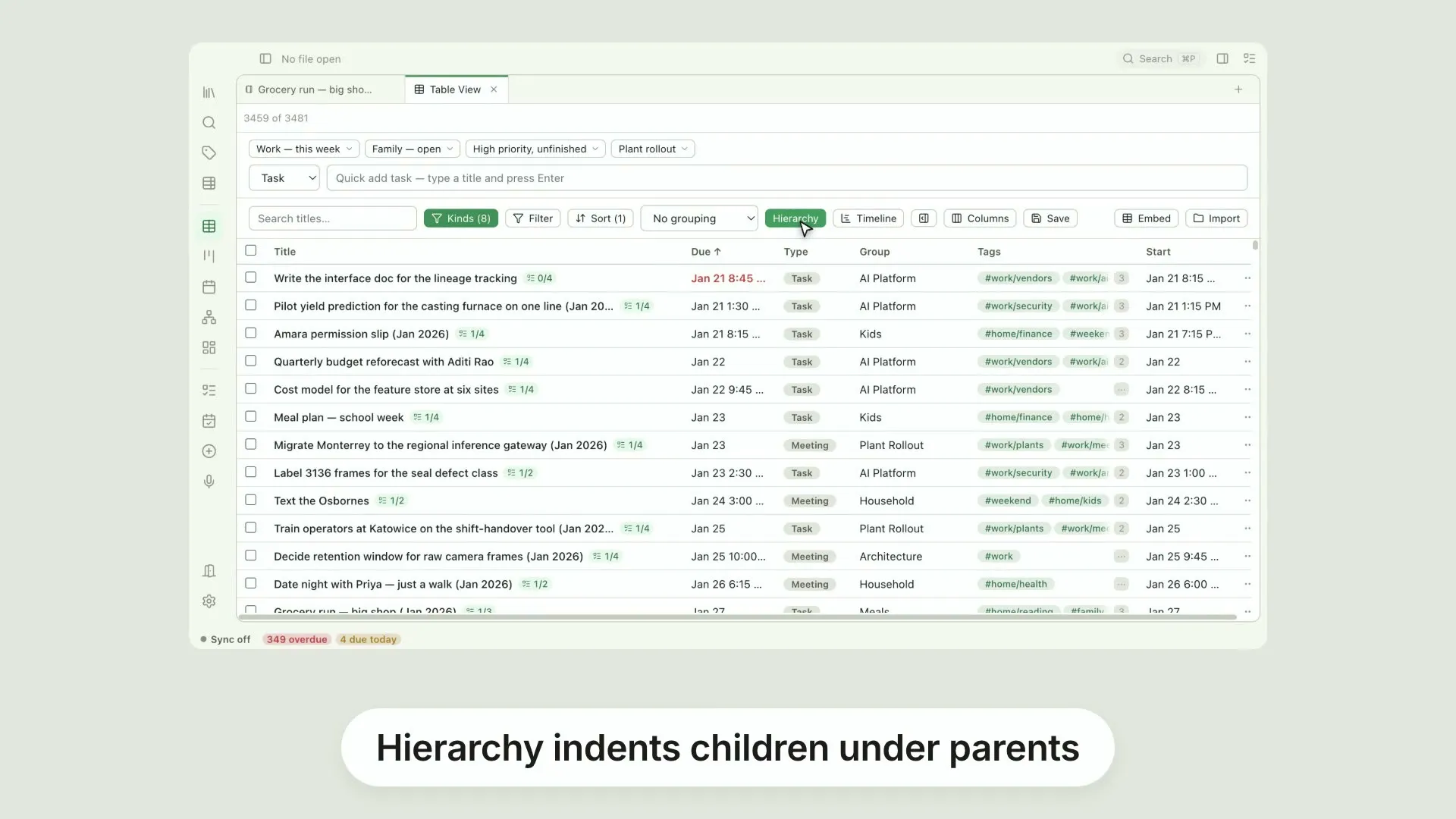
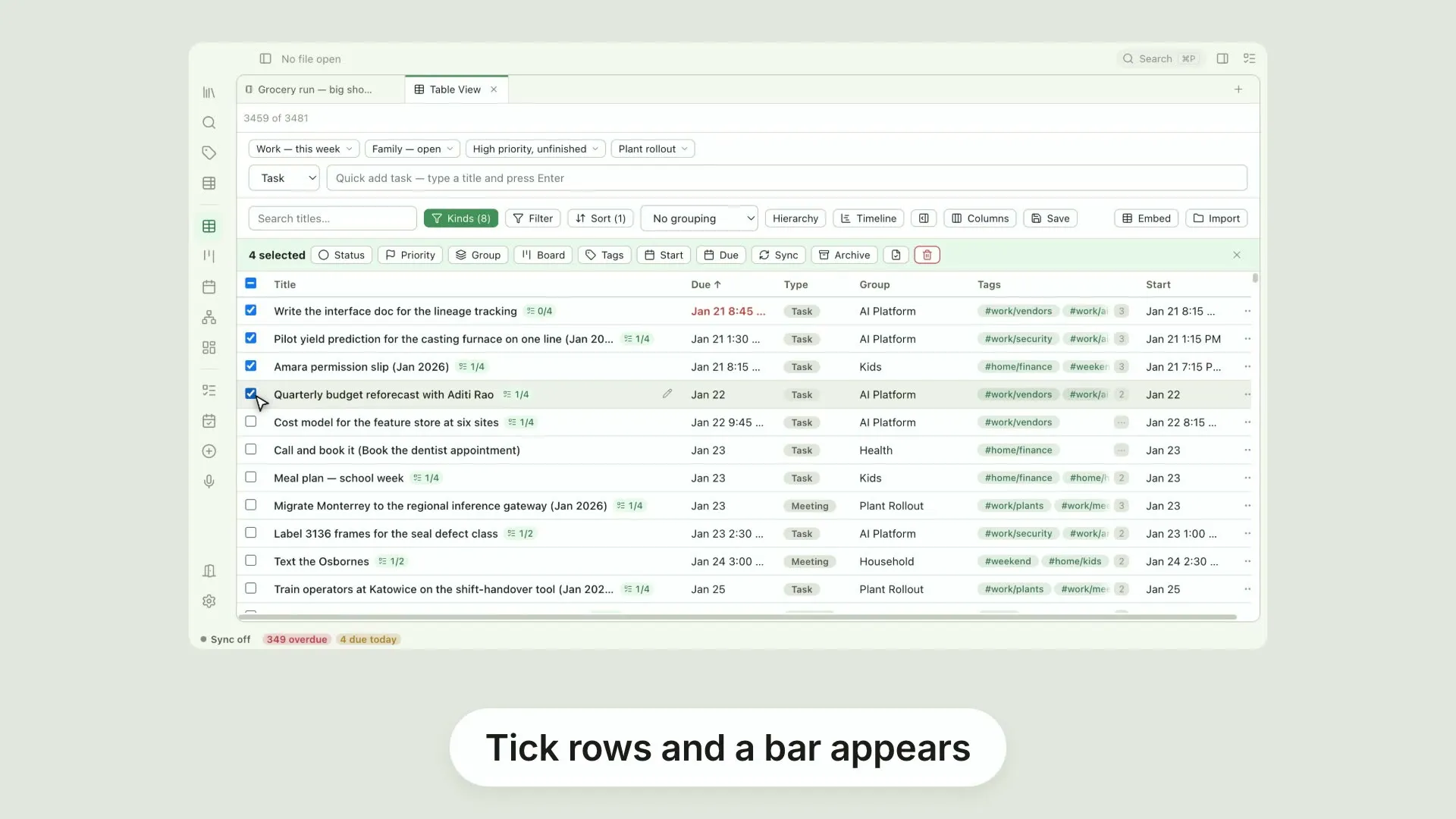
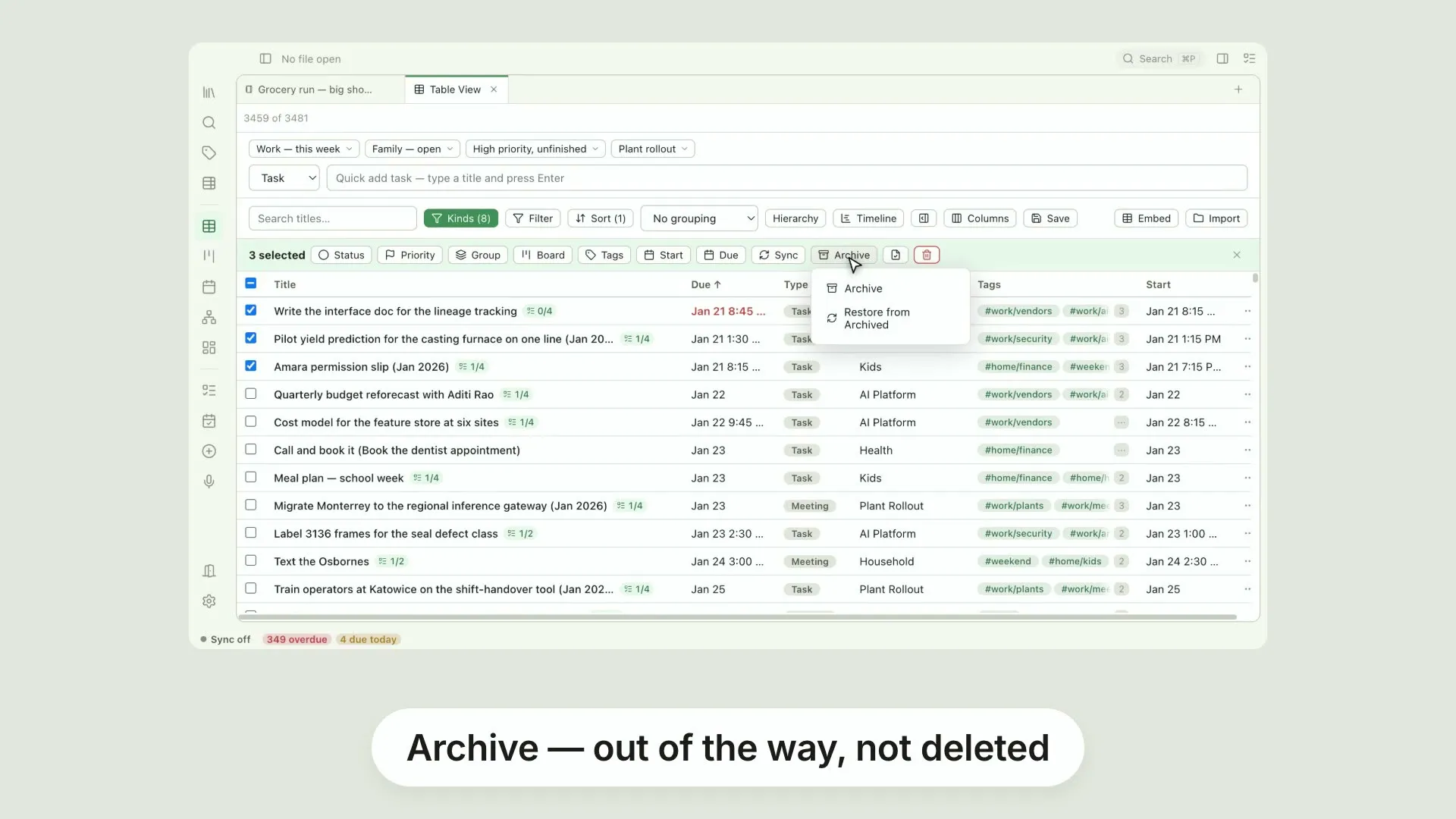
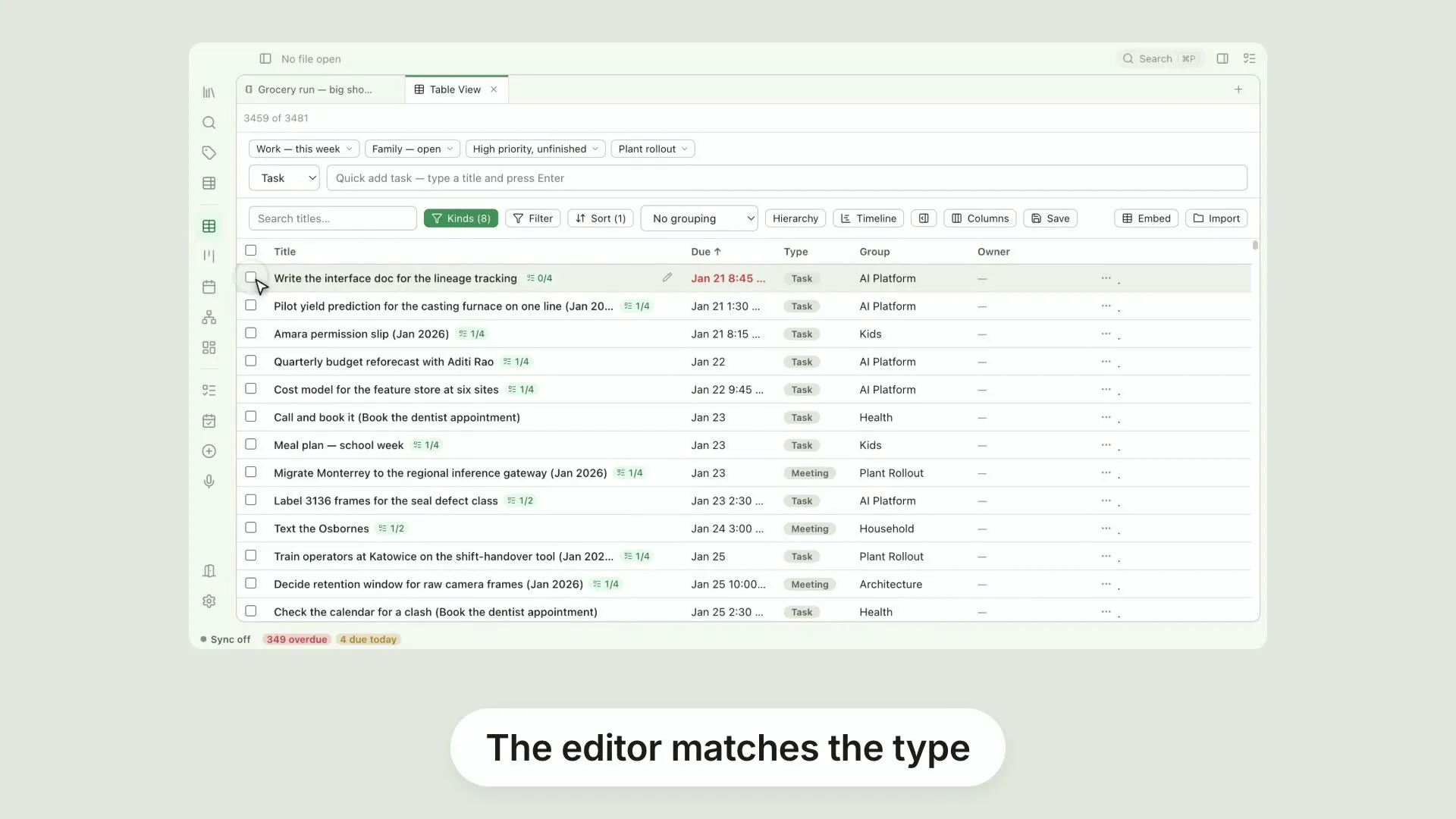
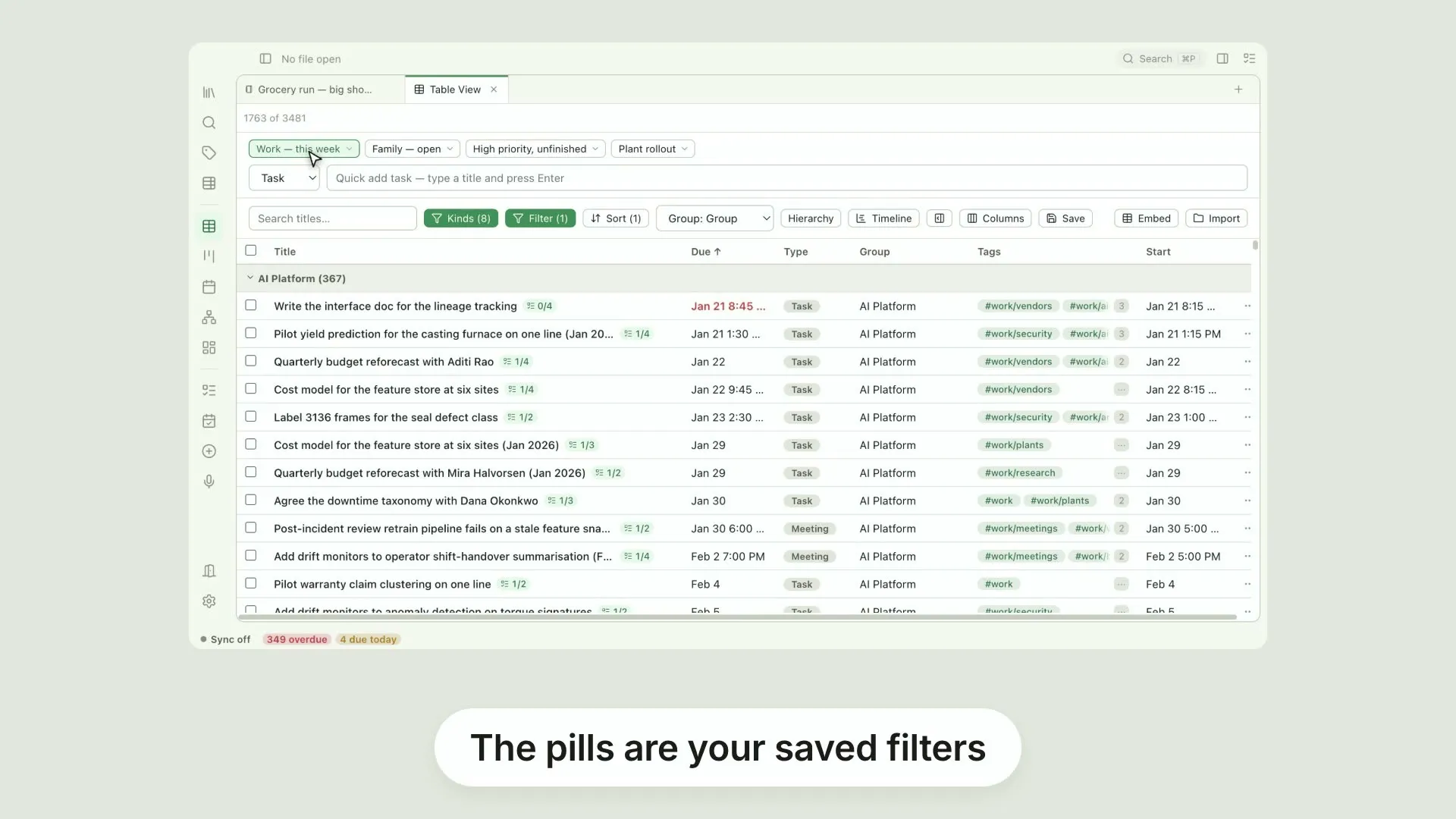
The Table 20 videos
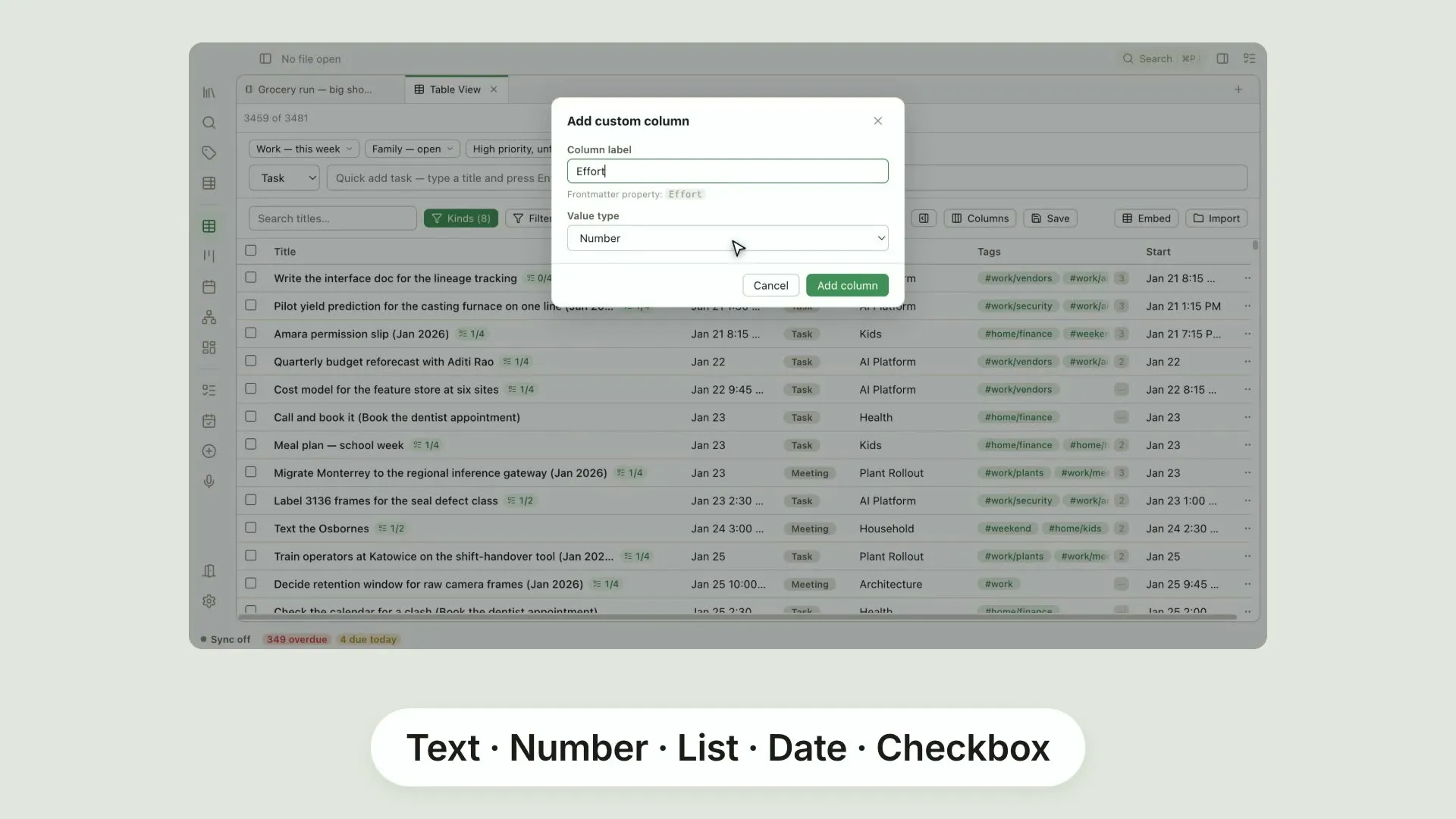
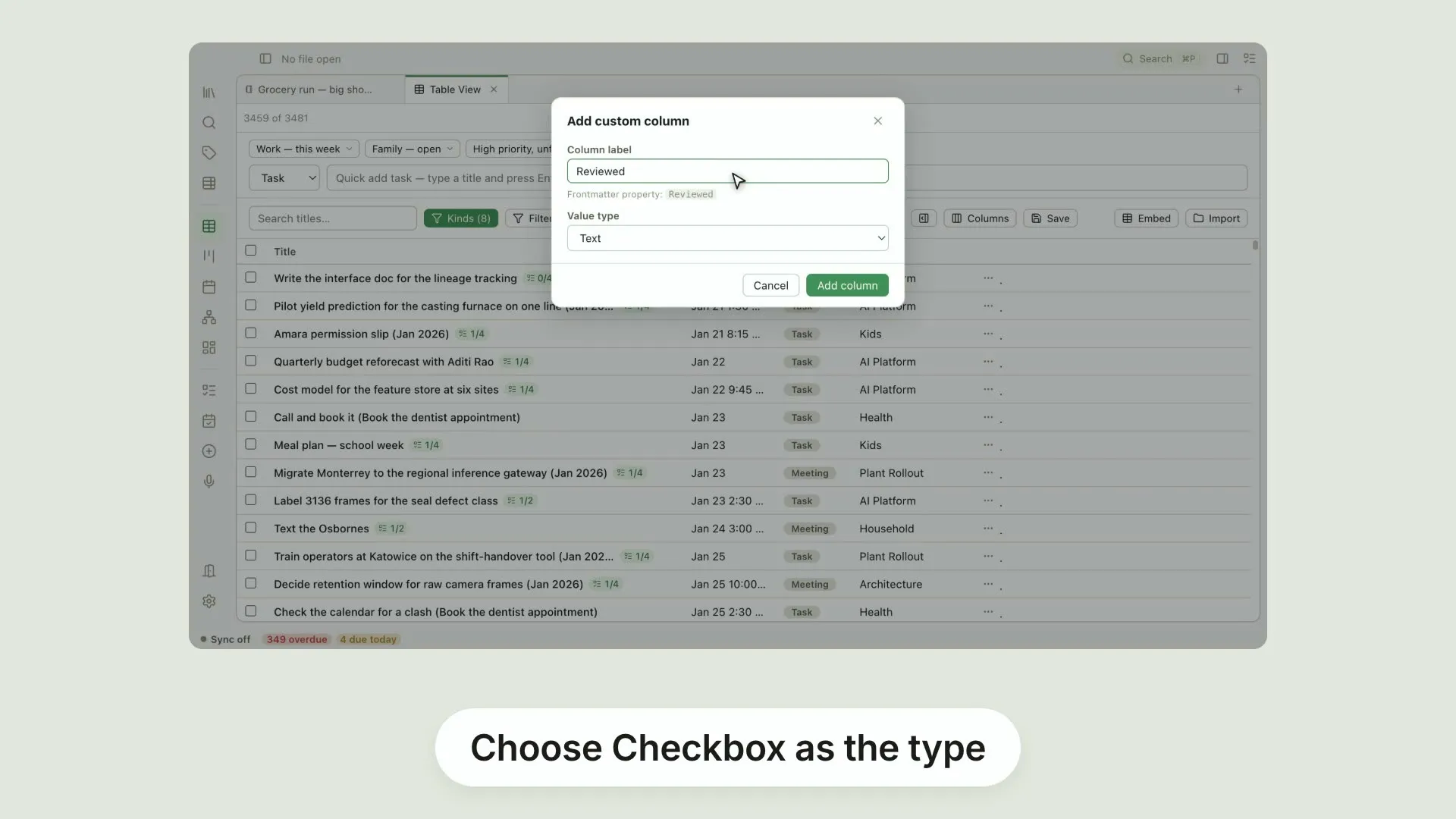
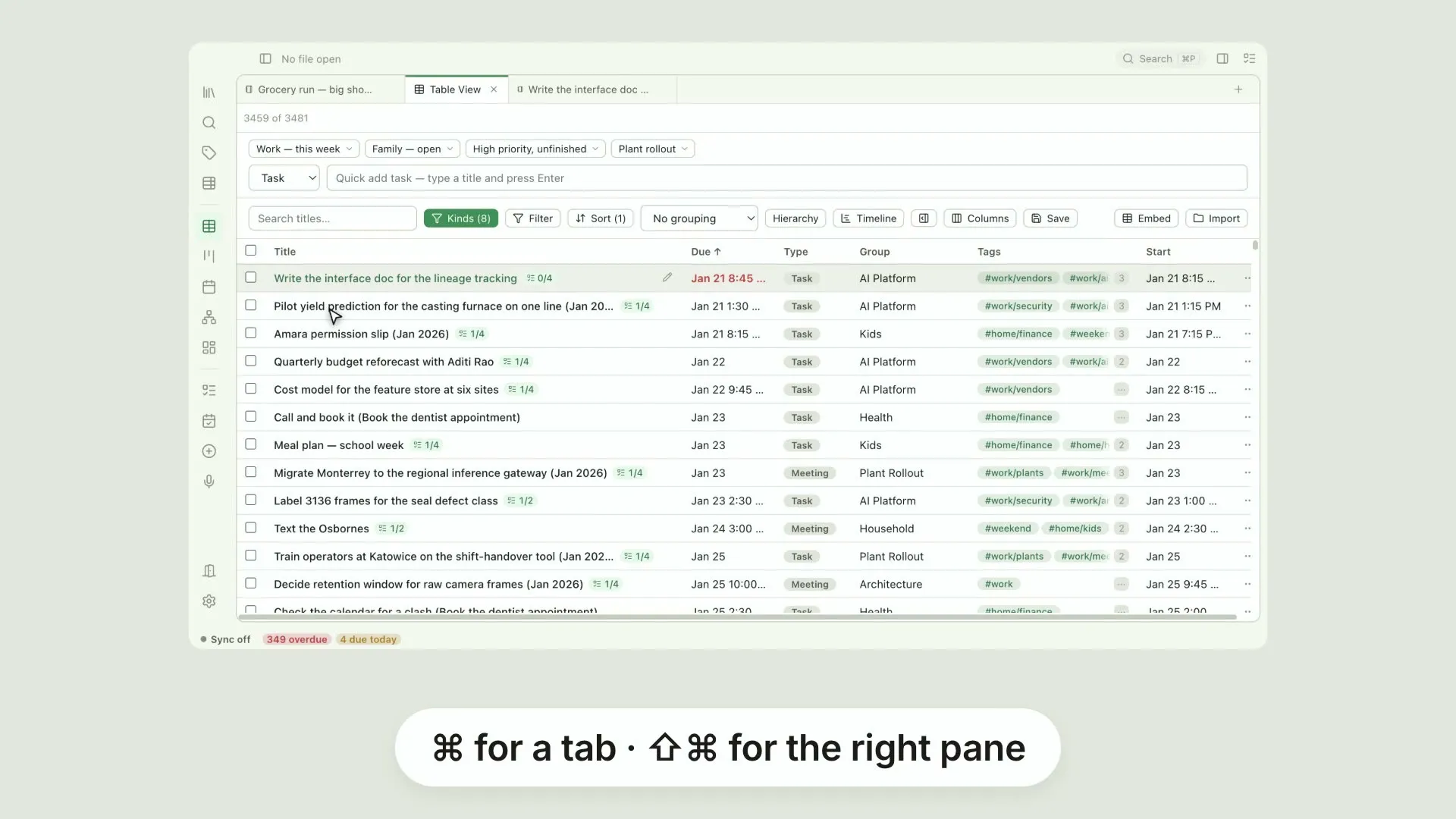
The workhorse view, one feature at a time — all twenty on one page.
Pellet news 2 videos
Watch here
These cover ground the help pages don't have a section for yet.
Transcript
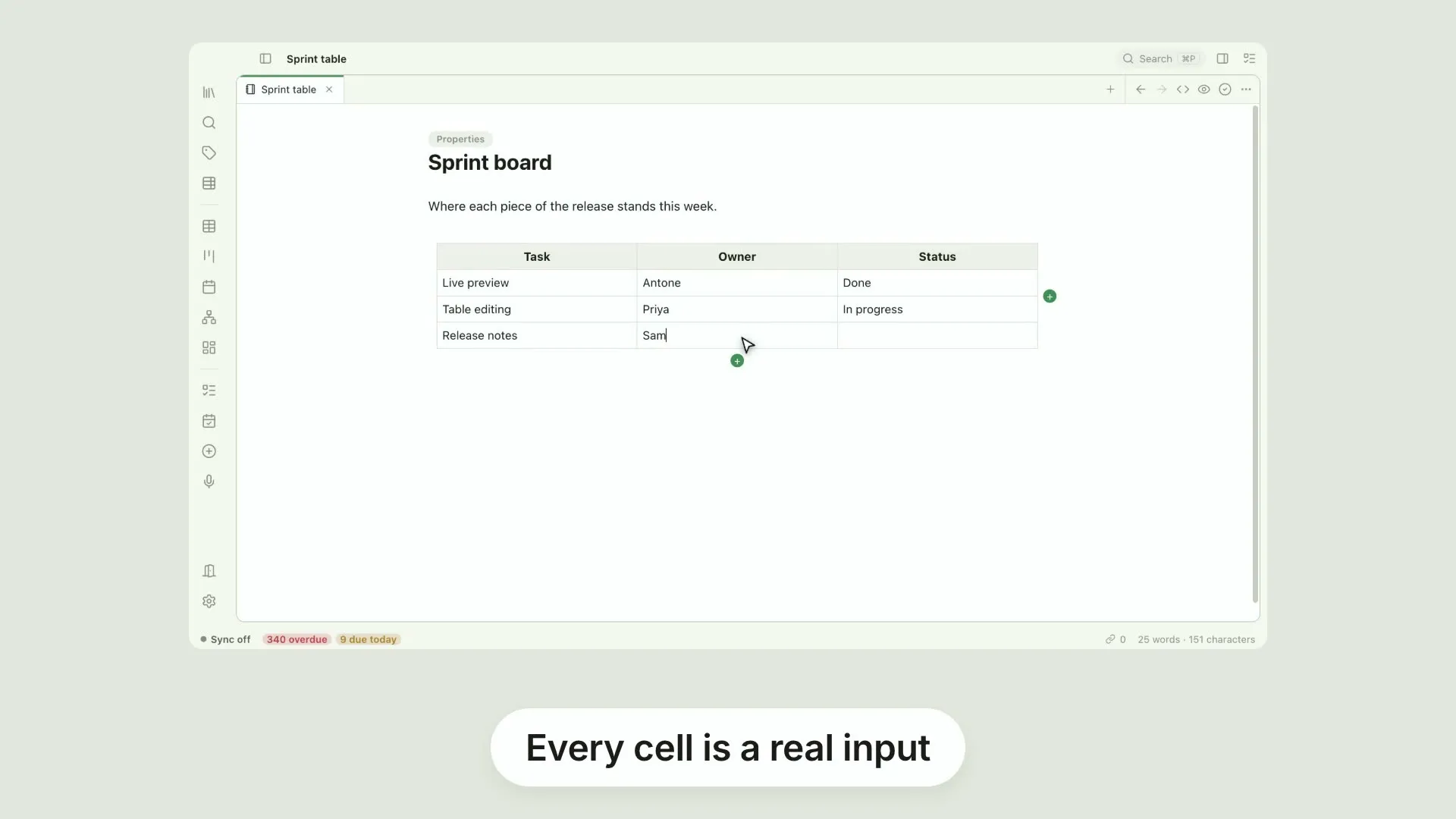
Markdown tables, without counting pipes. Every cell is a real input. Tab walks across, the arrow keys step between cells, and the columns keep themselves lined up in the file. Add rows and columns, move them, delete them, from the menu on any column.
Transcript
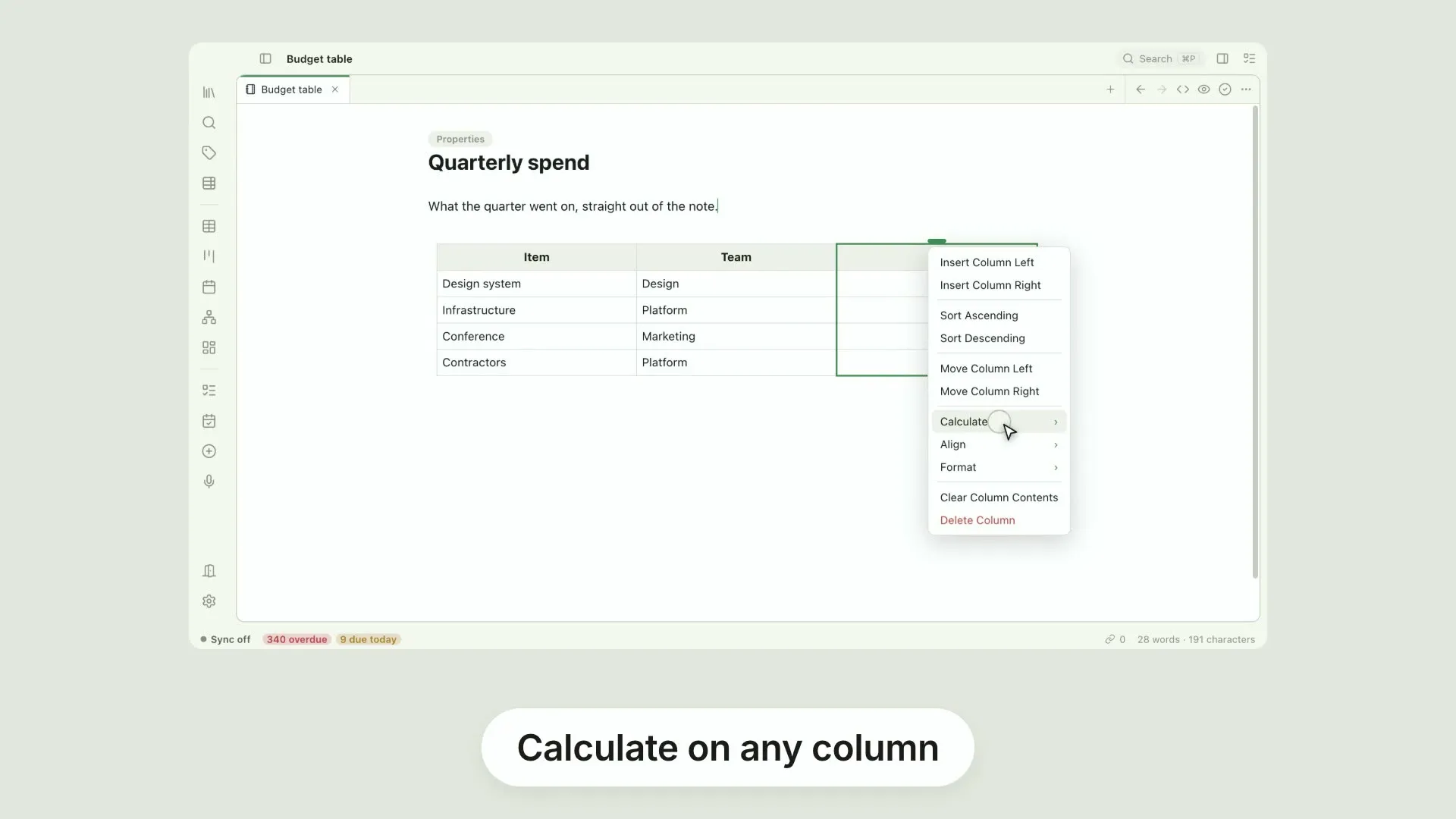
Your tables can do arithmetic. Open the menu on any column and choose Calculate. Sum, average, median, minimum, maximum or range, worked out from the rows and kept up to date. The same menu formats a column as a number, a percentage or a currency, and aligns it left, centre or right.
Transcript
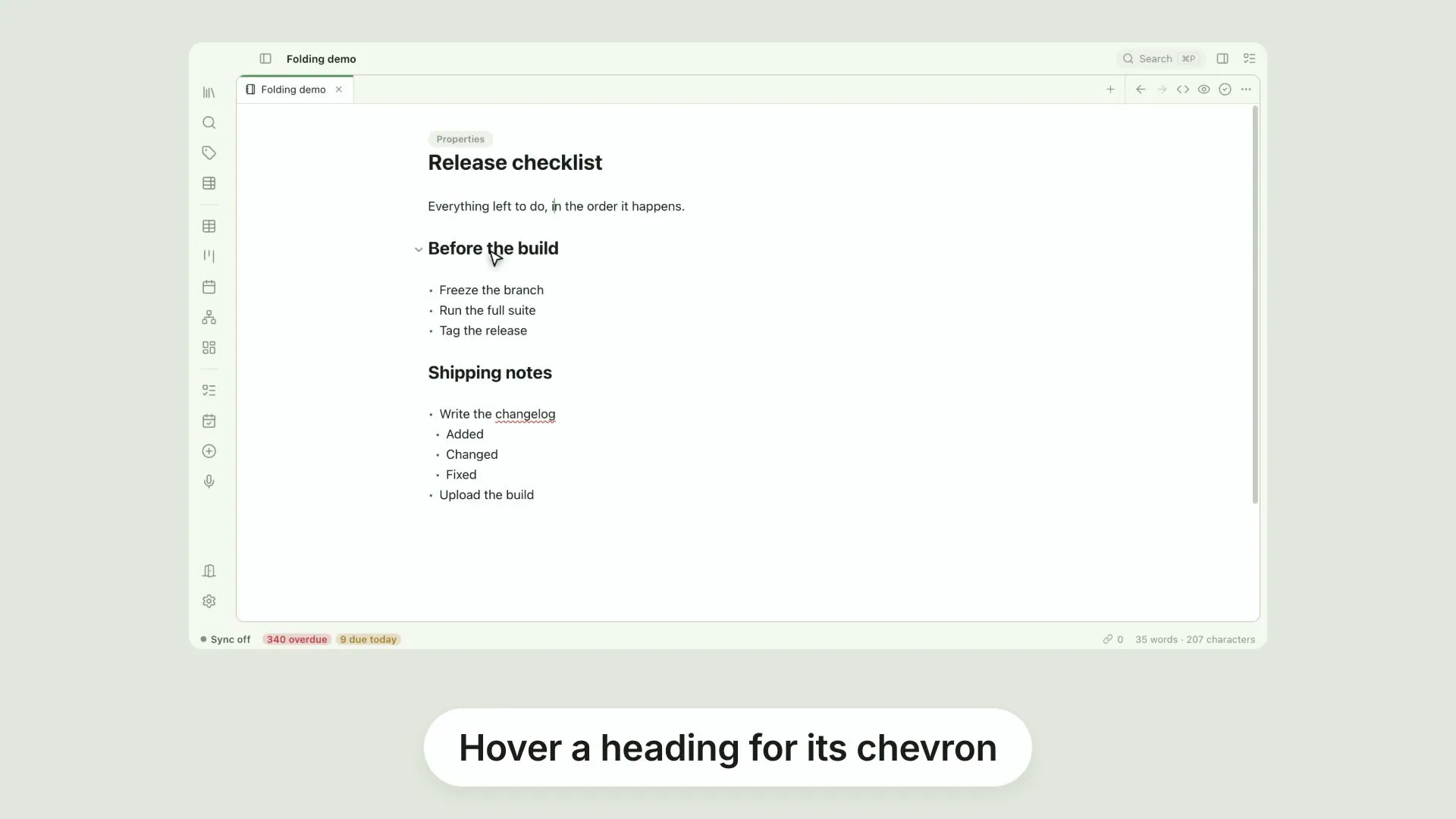
Long notes fold out of the way. Hover a heading and a chevron appears. Click it and everything under that heading collapses, so a long note becomes its own outline. Lists fold the same way. Any item with children gets a chevron of its own.
Transcript
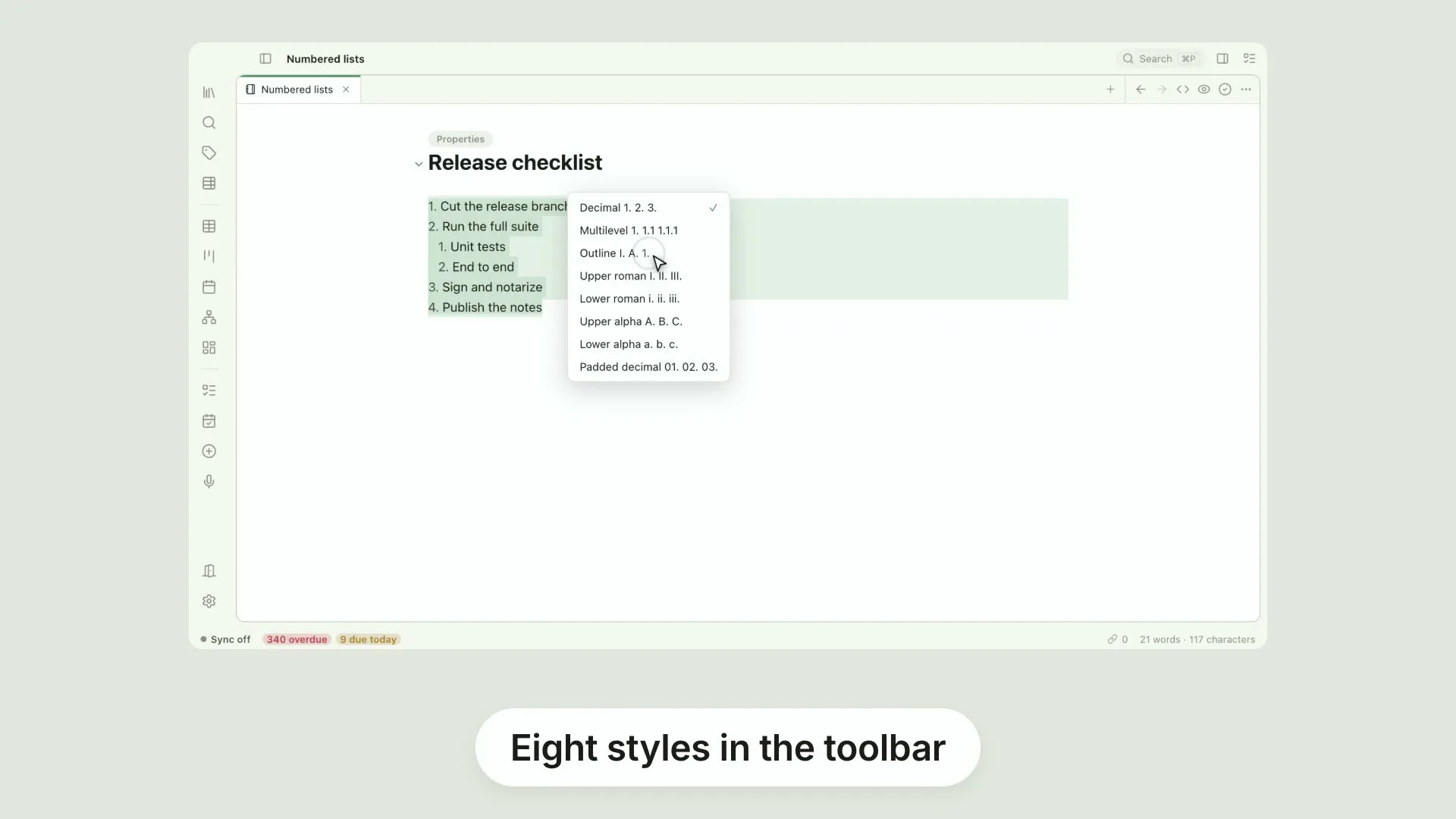
Numbered lists, eight ways. The List style button offers decimal, multilevel, outline, upper and lower roman, upper and lower letters, and padded decimal. Pick one and the list redraws. Your file keeps ordinary one dot, two dot markers, with a single comment recording the style, so the note stays readable anywhere else.
Transcript
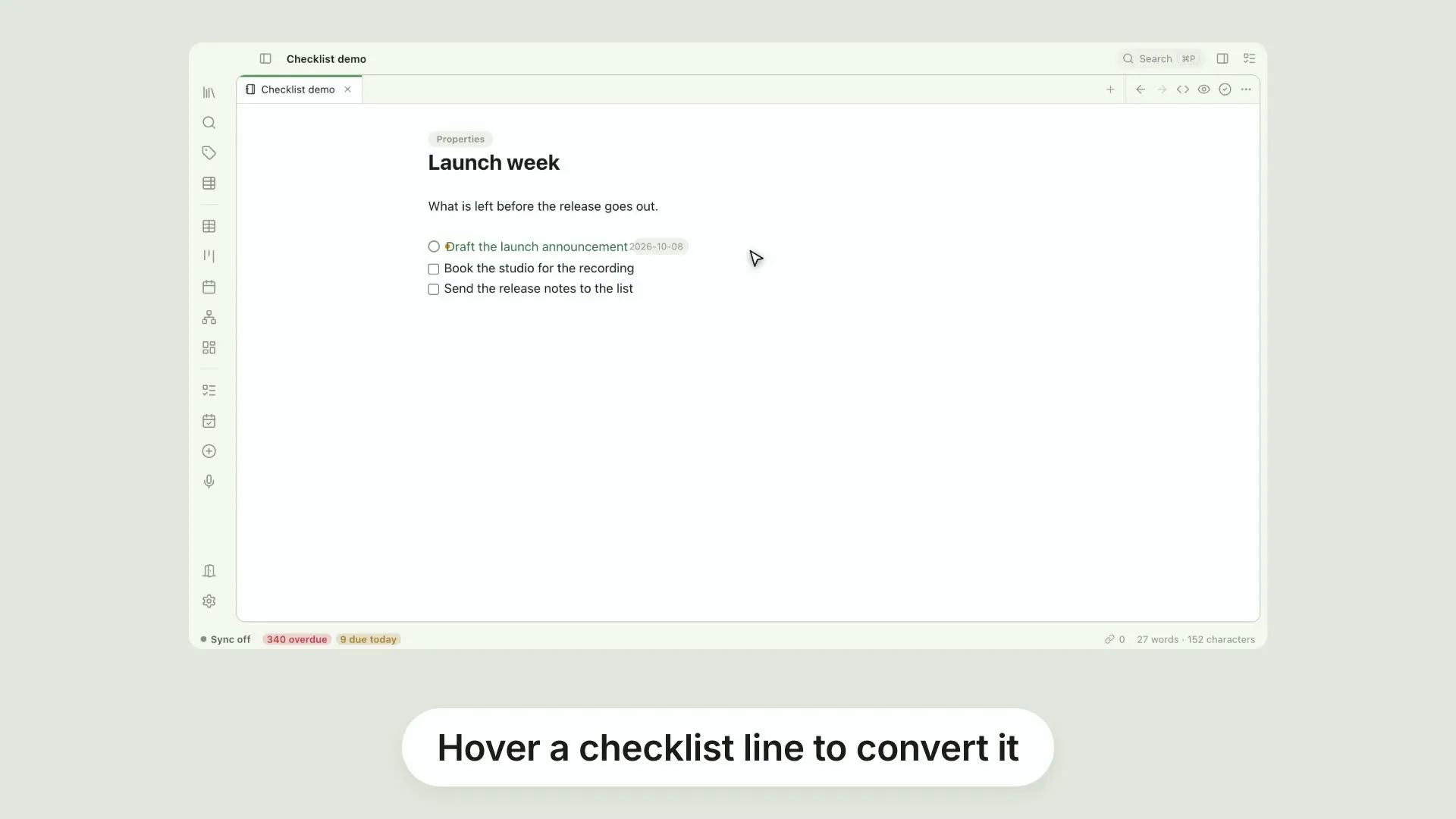
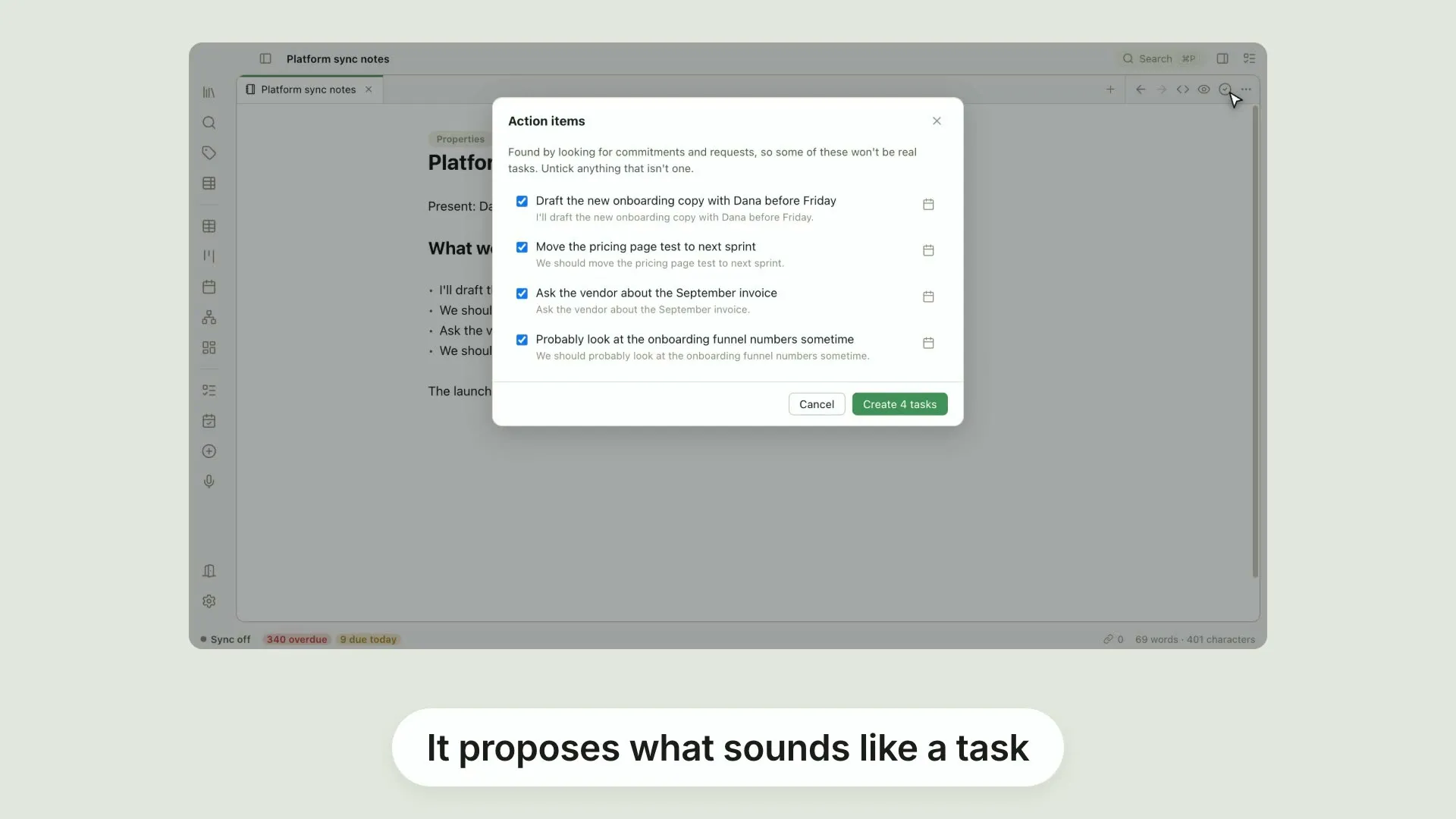
Turn a line into a real task. Hover a checklist item and Pellet offers to convert it. The line becomes a task with its own note behind it. It still reads as a checkbox in your file, but it now carries a priority, a due date, and it turns up in the Table, the Kanban and the Calendar.
Transcript
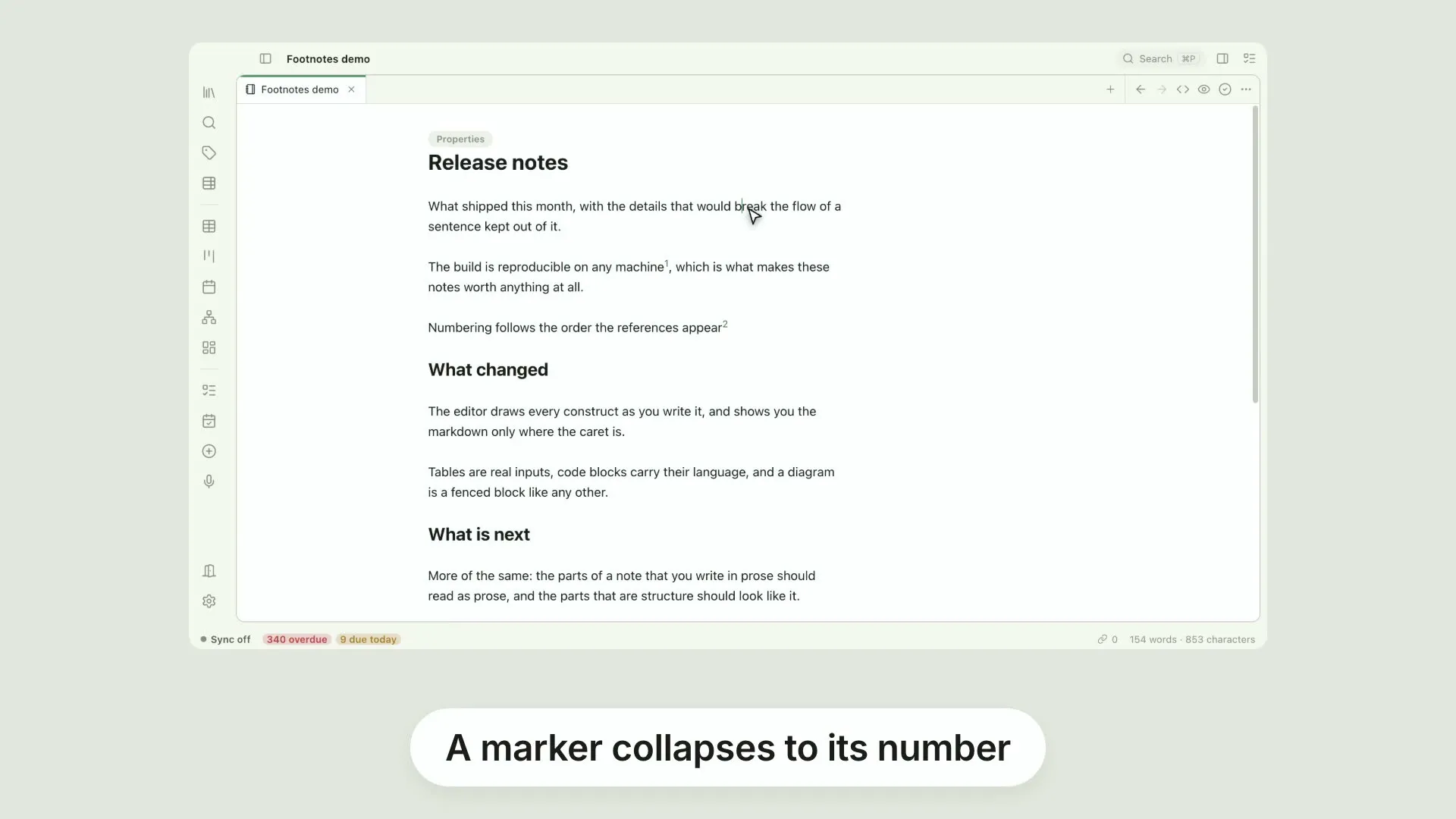
Footnotes that stay out of the way. Write a marker where you want the reference, and the note itself further down. Pellet collapses the marker to its number. The definition sits at the bottom of the file, out of the way of the sentence you are writing, and the reference reads as a footnote should.
Transcript
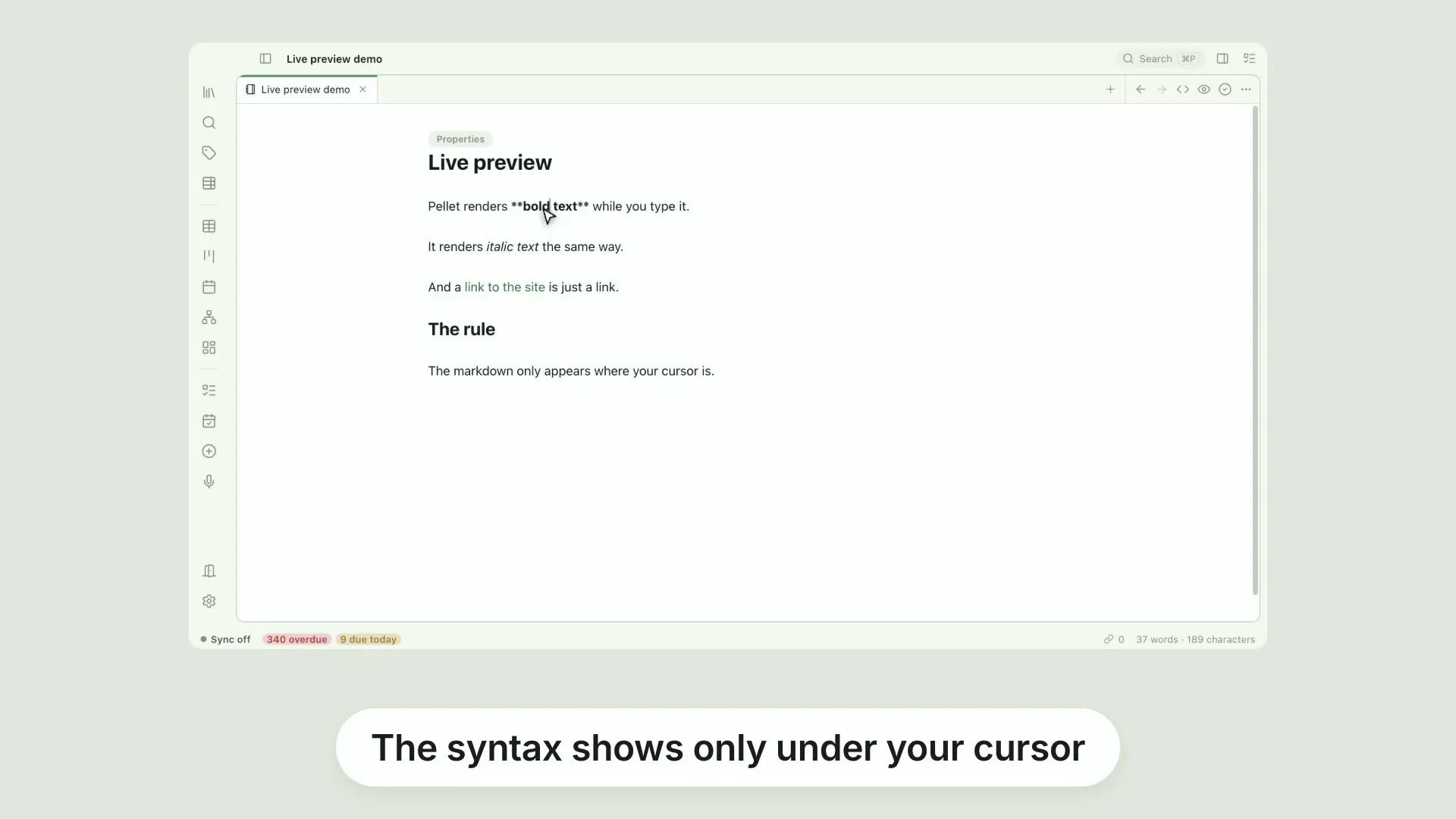
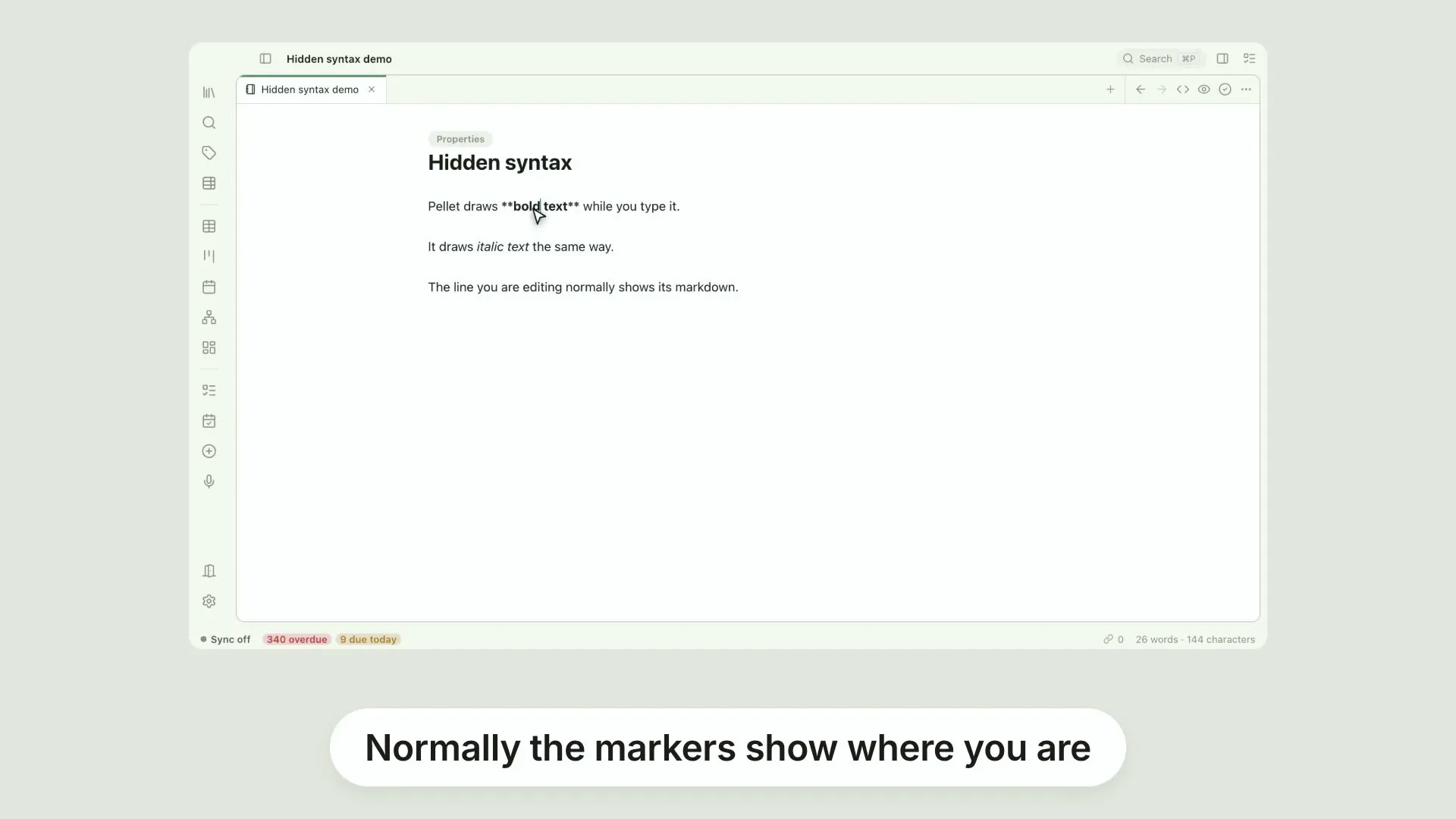
Hide the syntax, even under your cursor. Normally the markers show on the line you are editing, so you can see what you are changing. Turn on hide markdown at the cursor and they stay hidden. The line you are writing looks exactly like the finished text.
Transcript
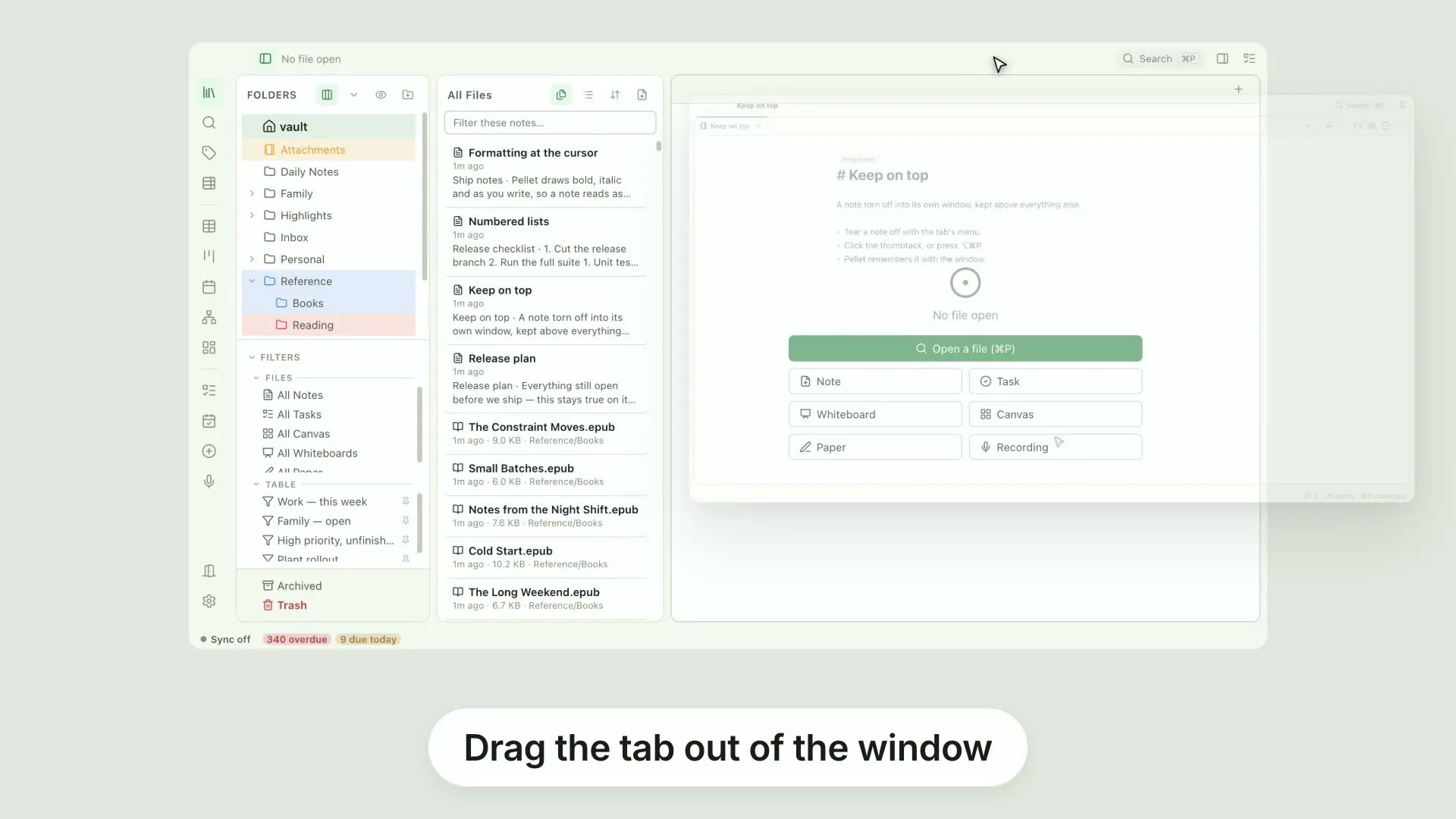
Here's a quick Pellet tip: keeping a window on top. Drag a tab out of the window, and it becomes a window of its own. Click the thumbtack in the title row, or press option, command, P. Now it stays above everything else while you work. Click it again to release. Pellet remembers it with the window.
Transcript
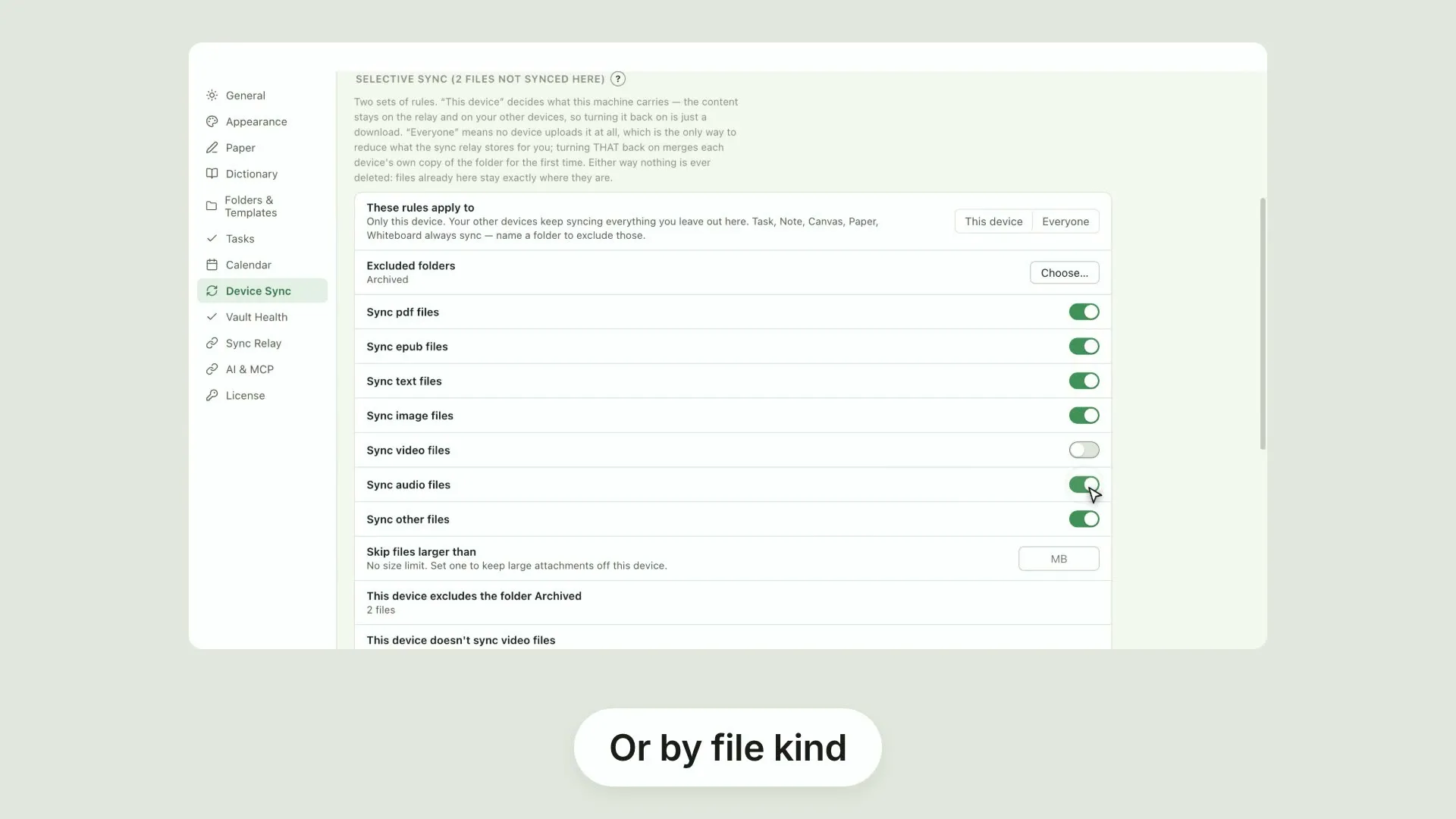
Pellet zero point twenty-one is here. Here's what's new. Selective sync lets you decide what each device carries, and what the group stores at all. Rules by folder, file kind or size. Nothing already on a device is deleted. Or switch off whole file kinds, so video and audio never land here. Numbered lists get eight styles. Decimal, multilevel, outline, roman, letters. Your file keeps ordinary markers. Colour the calendar by type or status. Pellet remembers the choice for each vault. Torn-off windows gained focus mode, and a thumbtack to keep one above everything else. And markdown can stay hidden under the cursor, so the line you are editing stays formatted. There's plenty more in this release. The full notes are on the site.